Purchase Order Tracking App: 10 Tools Compared for 2026
Compare the top 10 purchase order tracking app options by features, integrations, and best-fit use cases — plus honest limits of each tool.
18 min read
Installing the most popular tracking app won't fix a messy delivery setup. If you're still juggling retailer emails, carrier texts, and notifications from apps that disagree, the problem may be the category you chose, not the brand.
A purchase order tracking app can mean several different things to shoppers: a retail hub that recognizes purchases, a multi-carrier tracker that follows tracking numbers, or a carrier-native service that helps manage a delivery. Those tools overlap, but they aren't interchangeable. A polished shipment map won't necessarily help you change delivery arrangements, find a missing refund, or catch a return deadline.
Shoppers have good reason to want less friction. U.S. shoppers checked tracking an average of 2.8 times per order during a nine-month period in 2023, according to Pitney Bowes BOXpoll reporting summarized by ClickPost.
Choose for the job: Use a shopping hub to gather orders, a multi-carrier tracker to follow parcels, and a carrier service when you need delivery controls.
The tools below serve those different jobs, with limitations that matter more than their marketing. They're consumer shopping tools, not procurement systems for approving business purchase orders, recording supplier amendments, or matching invoices against receipts.
Table of Contents
- 1. Shop
- 2. AfterShip
- 3. Route
- 4. 17TRACK
- 5. Deliveries by Junecloud
- 6. USPS Informed Delivery
- 7. UPS My Choice
- 8. FedEx Delivery Manager
- 9. Amazon Shopping app
- 10. Carrier tracking through FedEx, UPS, USPS, or the retailer
- Purchase Order Tracking App Comparison at a Glance
- Choosing Your Setup, and Going Beyond Tracking
1. Shop
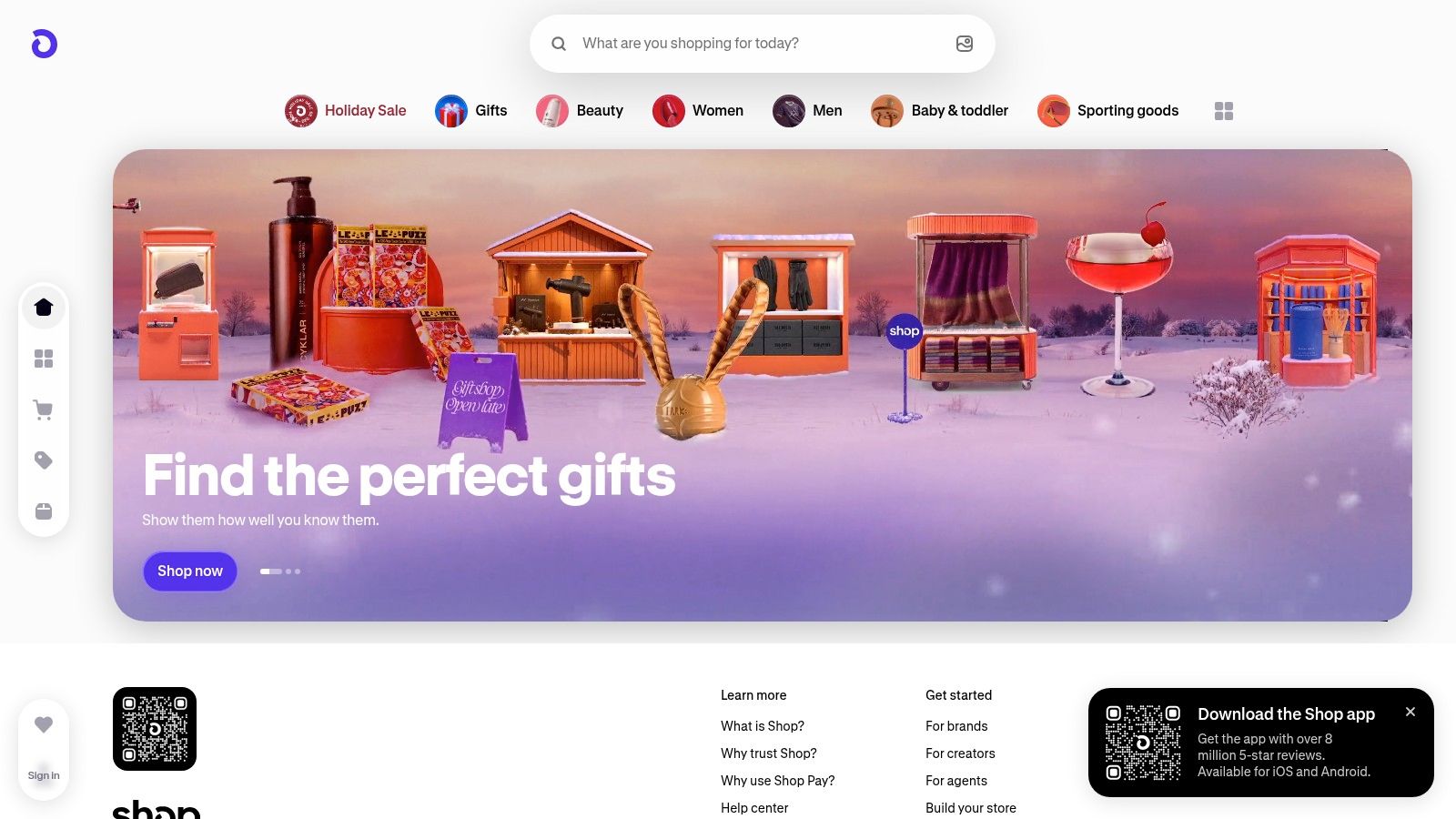
Shop fits shoppers who regularly buy from Shopify-powered stores. Shop combines shopping and delivery tracking, with convenient order recognition for supported Shopify purchases and Shop Pay transactions. You can also connect a supported email account or manually add tracking information for other orders.
That makes it a sensible starting point when your purchases come from independent retailers rather than a single marketplace. Available shipment details can include the carrier, tracking number, shipment status, and sometimes a map or predicted delivery date.
Convenient discovery, incomplete coverage
The useful distinction is automatic recognition versus complete coverage. An order appearing automatically is convenient, but a missing purchase doesn't necessarily mean the retailer hasn't shipped it. Some non-Shopify orders need manual entry, and the available detail depends on the store and shipping method.
- Choose it for: A combined shopping and tracking experience, available through mobile apps and the web.
- Expect friction with: Orders that aren't detected automatically or shipments with limited tracking information.
- Keep separately: Receipts, promised delivery dates, and any merchant correspondence about a problem.
Shop isn't the party packing or transporting your order. For missing items or delivery disputes, you'll generally still need the store or carrier.
It also helps to understand retailer price-adjustment policies before assuming an order tracker will catch a lower price after checkout. Knowing where your purchase is and knowing whether you overpaid are separate tasks.
2. AfterShip
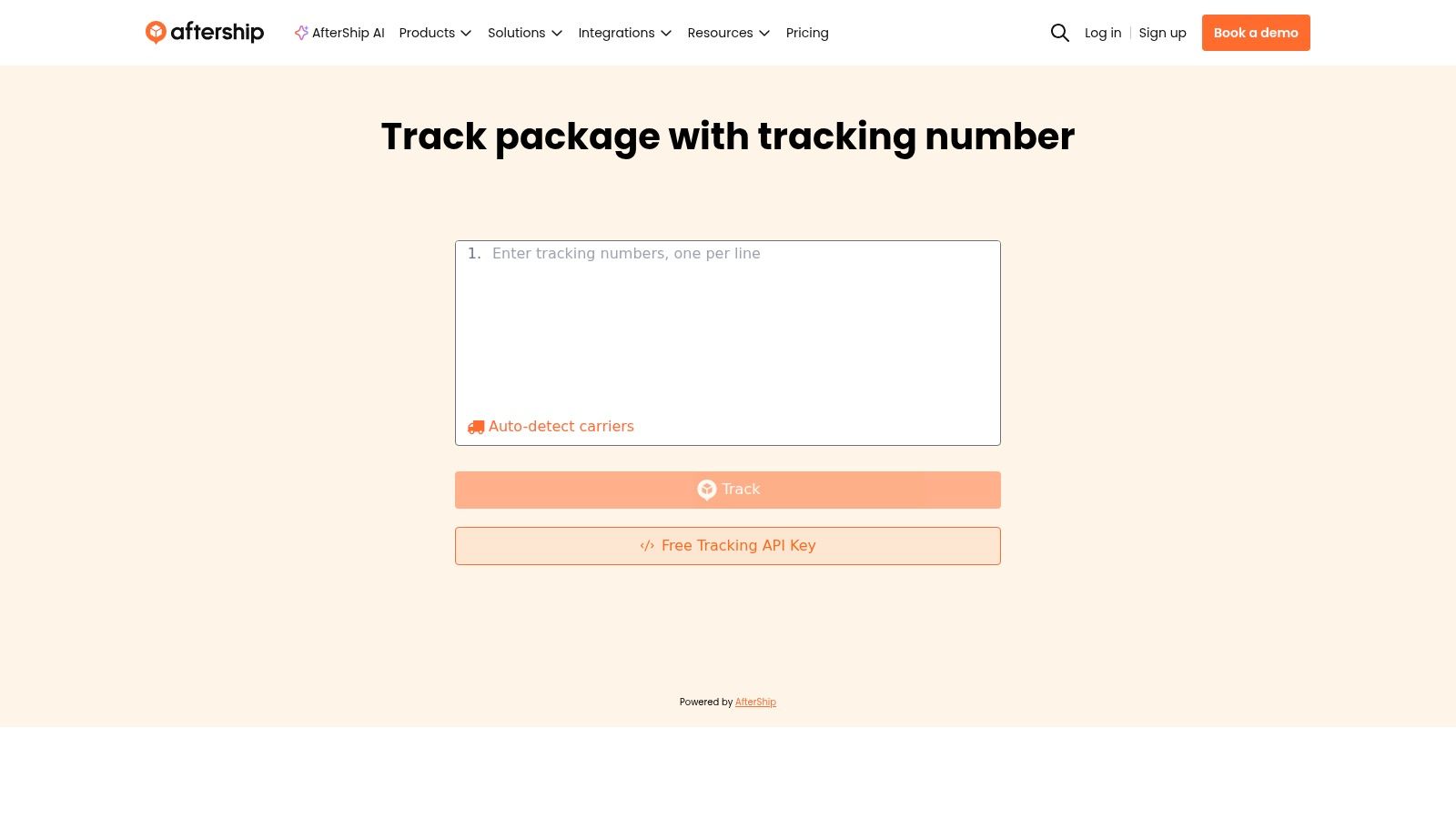
Buy from unrelated stores, especially across borders, and a retailer-specific app becomes less useful. AfterShip's appeal is consolidation across carriers, rather than loyalty to a particular checkout ecosystem.
The AfterShip tracking service offers a consumer mobile app for following shipments from multiple retailers and couriers. Connecting an email account can help identify order information, reducing the need to retrieve and enter every tracking number yourself.
Decide whether inbox access earns its place
Email discovery is convenient if finding shipment confirmations is your main frustration. If you'd rather not connect your inbox, weigh that preference against the manual work involved in adding packages.
- Strong fit: Mixed-retailer shopping and international deliveries that would otherwise require separate tracking pages.
- Main compromise: Tracking quality still depends on the information available for the particular carrier and shipment.
- Missing layer: Delivery visibility doesn't mean automatic refund recovery or post-purchase price monitoring.
For an international order, pay attention to the latest event and its timestamp, not just the headline status. A shipment can remain in transit without a new scan, and a consolidated feed can't manufacture an update the carrier hasn't supplied.
I'd choose AfterShip when scattered tracking numbers are the problem. I wouldn't add it solely to follow purchases already handled well by a retailer app, especially if doing so means another stream of identical delivery notifications.
3. Route
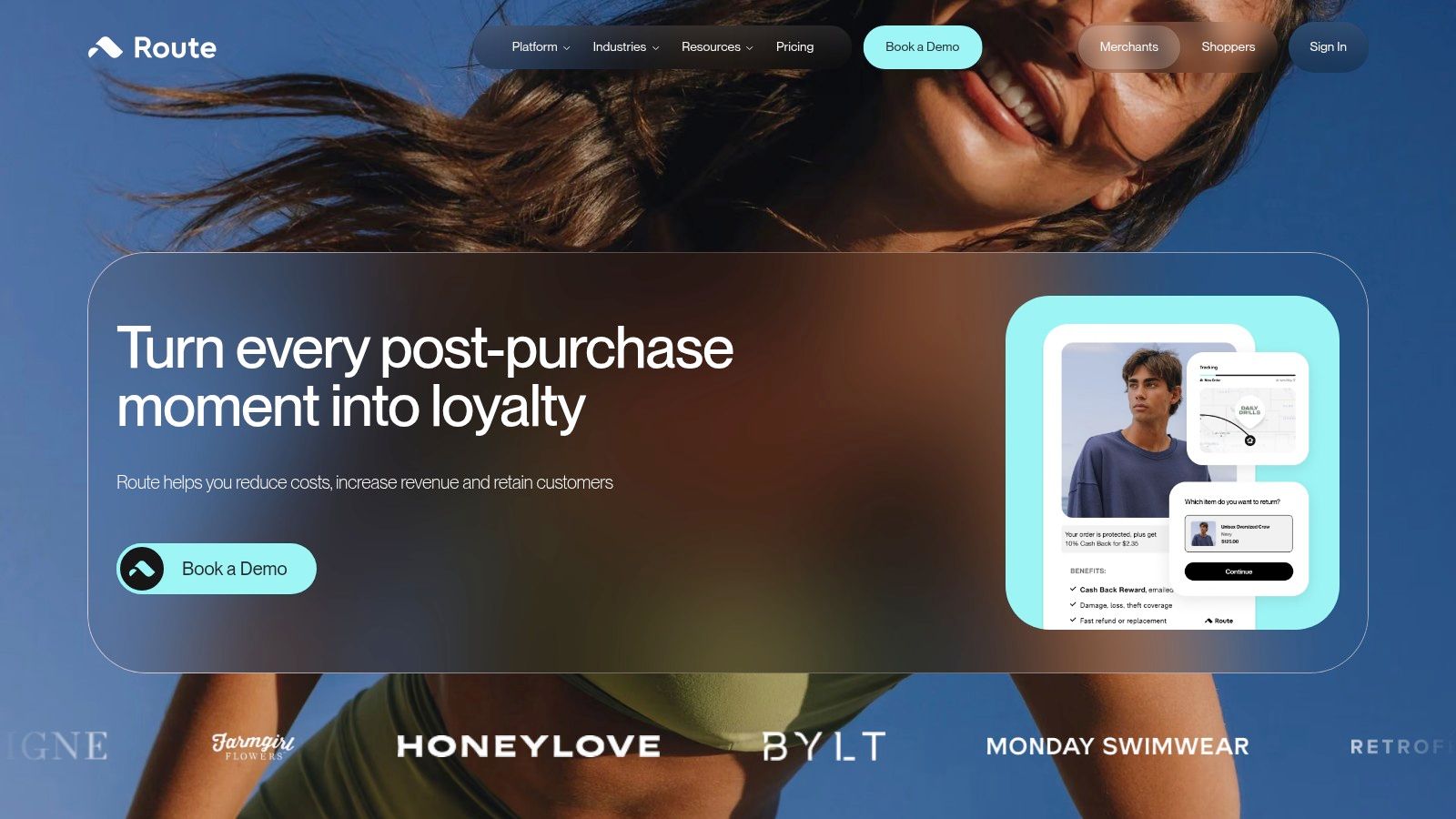
Tracking and package protection aren't the same service. Route brings them together, offering shipment updates alongside optional package protection at participating checkouts.
That combination can be useful if the retailers you use already support Route. Its mobile-first experience gathers supported online orders and provides package-status notifications, so you don't have to rely exclusively on individual carrier apps.
A protection option is a reason to read the coverage terms, not a reason to assume every delivery problem qualifies for reimbursement.
Before choosing protection, check which purchase it covers, what problems qualify, and how you'd submit a claim. Don't confuse an order appearing in the app with confirmation that the order has protection.
Best when your retailers participate
Route earns its place when you'll use both the tracking feed and the protection option where available. It's less compelling if most of your purchases don't appear reliably or you only want a neutral tracking-number utility.
The limitation is coverage: retailer participation and available tracking information affect what you can follow. A delivery problem may still require contact with the retailer or carrier, rather than a resolution entirely inside Route.
If a merchant promises to return your money, keep following the financial outcome after the parcel issue is resolved. Knowing how to track a refund helps distinguish a submitted claim, an approved refund, and money that has reached your account.
4. 17TRACK
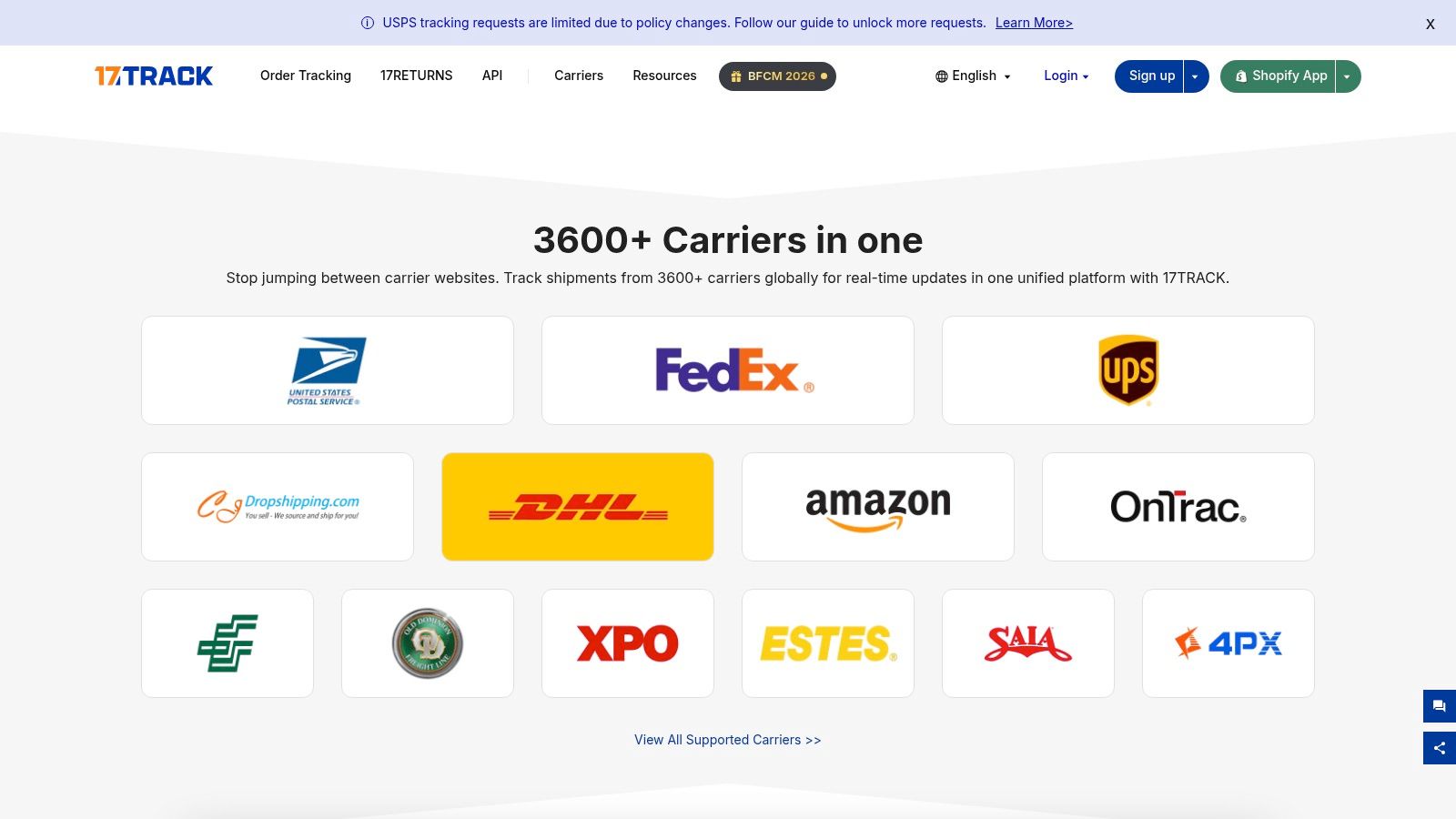
Some shoppers don't need purchase discovery. They already have the tracking numbers and need somewhere sensible to organize them.
That's the clearest case for 17TRACK. Its web service and mobile apps support multiple shipments, batch entry, carrier detection for many tracking numbers, and account-based syncing.
Better for parcel organization than shopping history
Barcode and QR scanning reduce typing, while notes and categories help distinguish similar shipments. Those details matter when a retailer splits an order or when you're following several international packages with unfamiliar carrier names.
- Useful workflow: Add tracking numbers together, label shipments clearly, and enable notifications for packages that need attention.
- Access trade-off: Free access suits lighter use, but tracking allowances are limited. Check current membership options inside your chosen platform.
- Scope limitation: A parcel record isn't a complete purchase record with item prices, return eligibility, and refund progress.
Automatic carrier detection is convenient, but verify the selected carrier if the result looks wrong. An unrecognized number or empty tracking history is a reason to check the retailer's dispatch information before assuming the parcel is lost.
Choose 17TRACK for tracking-number management, particularly when batch entry and organization matter more than shopping recommendations. It's less suitable if your central complaint is that you forget purchases exist until another charge or renewal appears.
5. Deliveries by Junecloud
If you organize your day through Apple widgets and calendars, Deliveries may fit your habits better than a shopping feed. Deliveries by Junecloud is designed for Apple devices, including iPhone, iPad, Mac, and Apple Watch.
Its appeal is presentation and integration: shipment summaries, map views, delivery countdowns, sharing, and syncing. Estimated delivery dates can also appear in a calendar, keeping upcoming arrivals alongside the rest of your schedule.
Choose the interface, verify the carrier fit
A calendar entry is helpful when you need to remember an expected arrival. It isn't a delivery appointment, and an estimate shouldn't become the basis for taking time off without checking the latest carrier information.
- Best fit: Apple users who prefer delivery information in widgets and calendars rather than another retail-oriented app.
- Setup detail: Review syncing and account settings so the devices you use show the information you expect.
- Buying decision: Check support for your regular carriers before committing to the app's workflow.
The important limitation is platform fit. A household mixing Apple and Android devices won't get the same shared experience as someone working entirely within Apple's ecosystem.
Privacy deserves a look, too. Review the current App Store disclosures and distinguish what's required for tracking from what's associated with purchases or identifiers.
I'd choose Deliveries for its place in an existing Apple workflow, not because a more polished shipment summary guarantees more complete carrier information.
6. USPS Informed Delivery
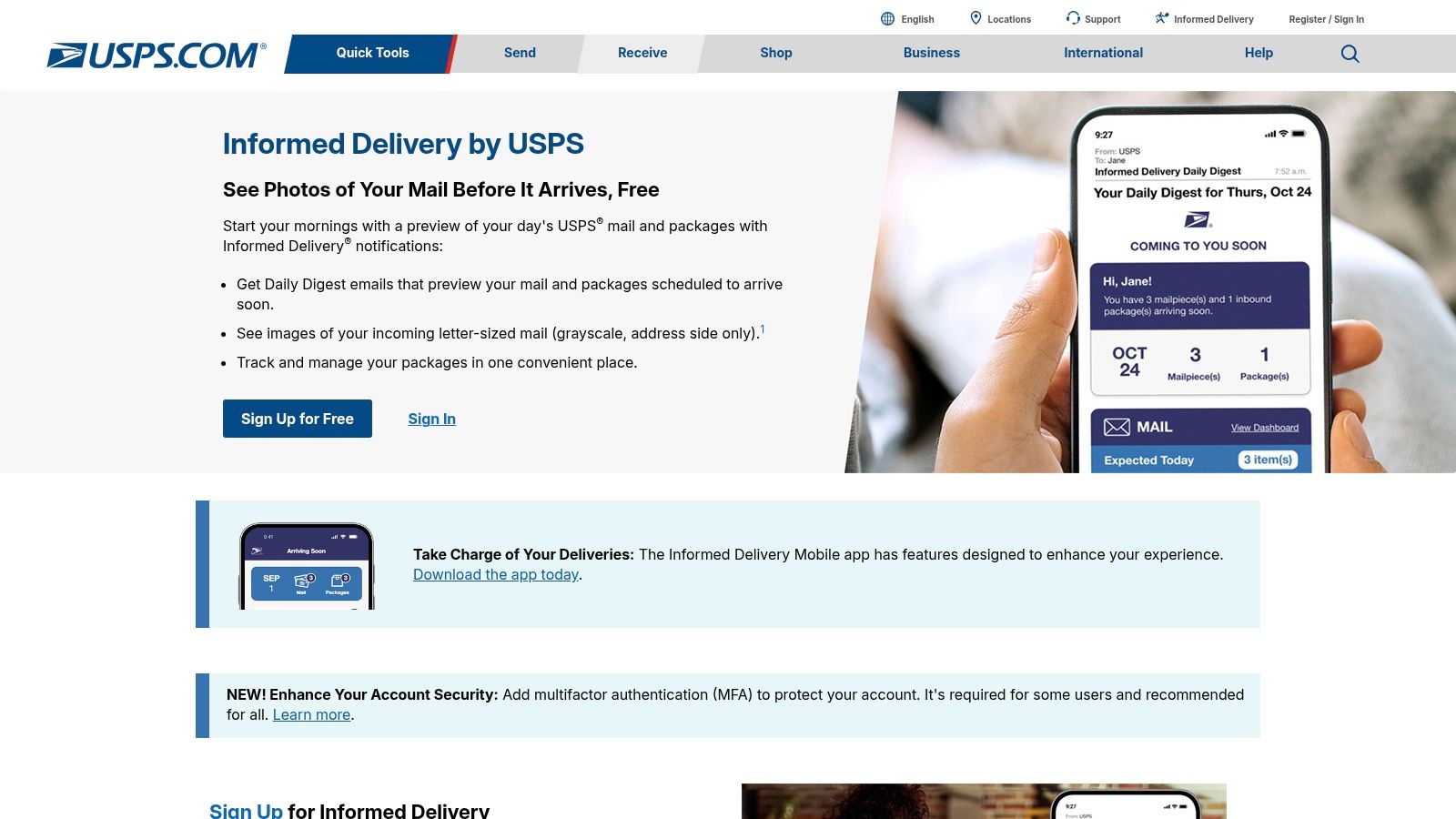
USPS Informed Delivery is a household mail tool as much as a package tracker. The free USPS Informed Delivery service combines grayscale previews of eligible incoming mail with package-status information.
That gives it a different purpose from AfterShip or Shop. It can help you anticipate eligible letters as well as incoming and outbound USPS packages, with delivery notifications and email or text alerts.
Useful visibility within a defined boundary
Enrollment depends on address eligibility and identity verification. Eligible residential, business, and PO Box addresses may be supported, but you should establish that your address qualifies before treating it as part of your household routine.
Its boundaries are straightforward:
- What it adds: Visibility into eligible USPS mail and packages through a service directly connected to USPS.
- What it doesn't add: A combined history of purchases delivered exclusively by other carriers.
- What to verify: Whether the item you're checking has a package update or only an eligible mail preview.
Treat a mail image as a preview, not proof that someone has placed the item in your mailbox. Likewise, package status still needs to be read in context when you're investigating a missing delivery.
For households that receive important correspondence alongside online orders, this can be a useful companion even with a separate tracking hub. Don't expect it to replace that hub if your shopping arrives through several delivery networks.
7. UPS My Choice
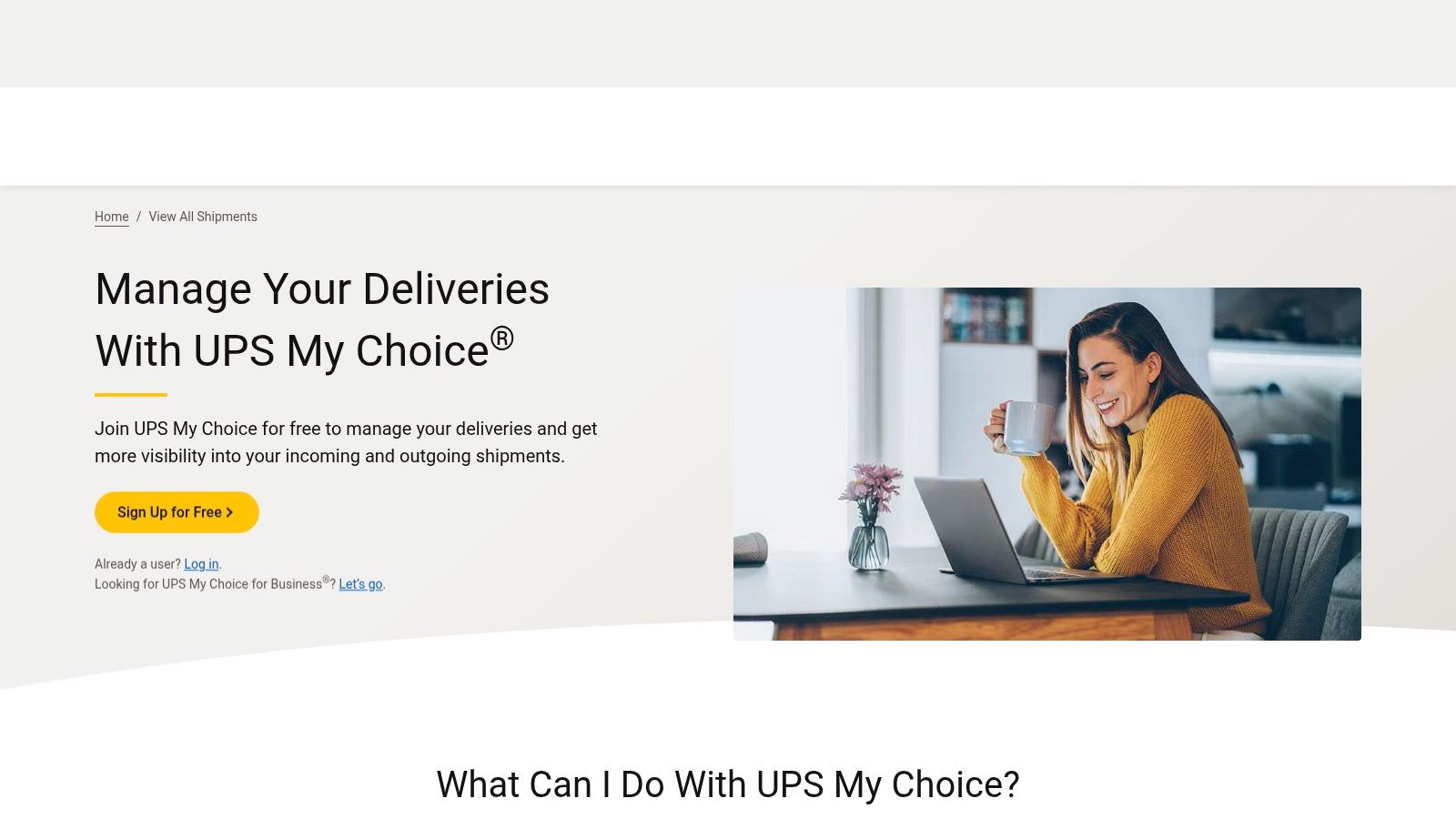
A general tracker tells you what it knows about a UPS package. UPS My Choice is for working directly with UPS on eligible deliveries.
The UPS My Choice service provides shipment status, notifications, and delivery-management options. It's a sensible companion when UPS regularly delivers to your address and arrival arrangements matter.
Practical rule: Keep the general tracker for your overview. Open the carrier service when you need to see which delivery actions are actually available.
The distinction matters when you won't be home or need to investigate a delivery exception. A multi-carrier app may display the event, while the carrier's own service is the place to review supported management options.
Eligibility comes before convenience
Don't assume every package can be managed in the same way. Available options can depend on package eligibility and service level, so inspect the individual shipment before planning around a change.
The trade-off is narrow coverage. UPS My Choice won't gather packages moving exclusively through other carriers, and it doesn't maintain your retail return windows, purchase prices, or refund records.
I'd keep it if UPS delivery management solves a recurring household problem. If you only occasionally receive UPS parcels and never use management features, the carrier's tracking page may be enough. Installing the service just to duplicate status alerts adds noise without necessarily helping you act.
8. FedEx Delivery Manager
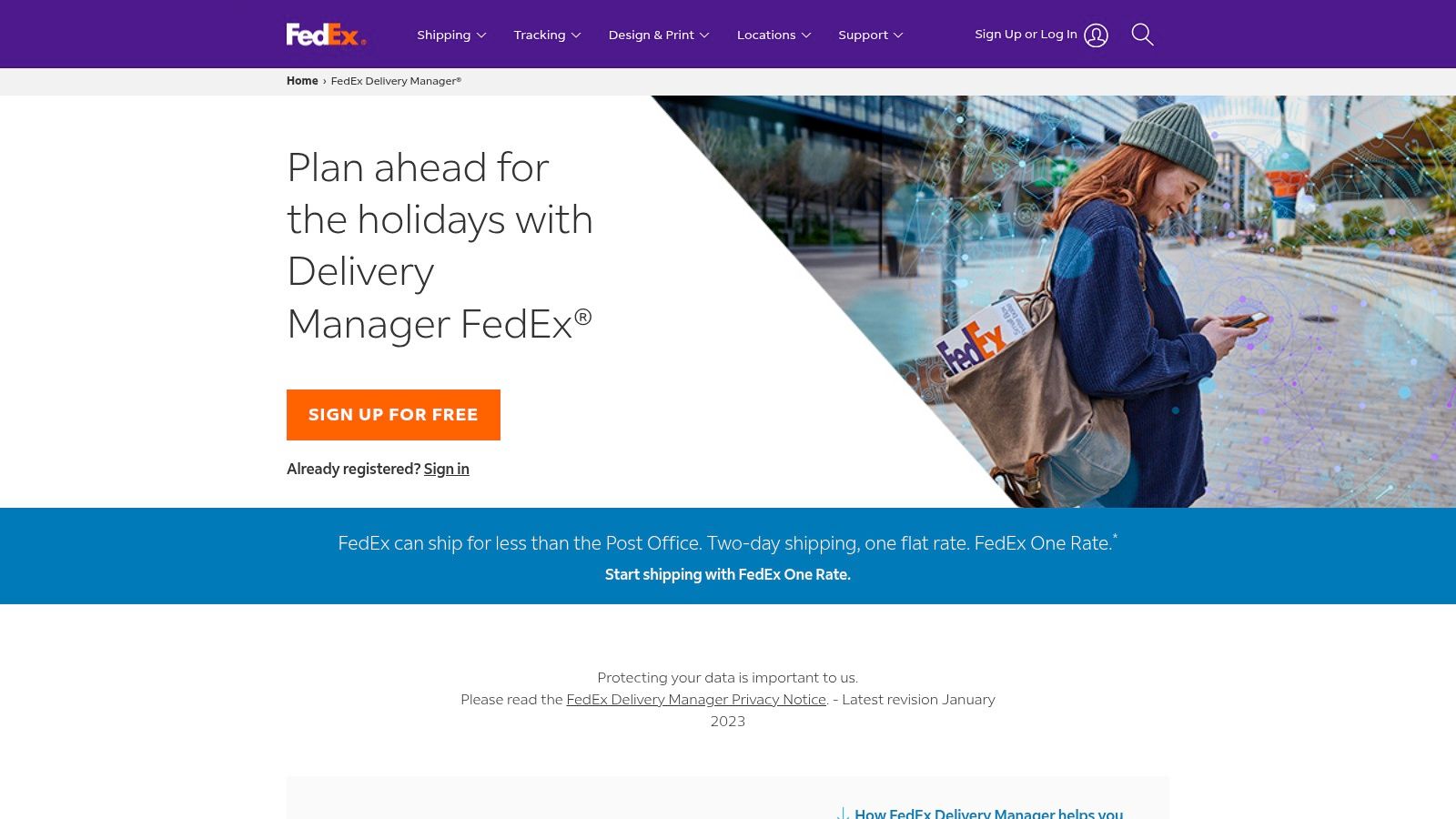
Say you're expecting a purchase and need to understand your delivery options before leaving home. That's a better reason to use FedEx Delivery Manager than wanting another parcel notification.
FedEx Delivery Manager connects recipients to FedEx shipment information and supported management options for eligible deliveries. It suits shoppers whose regular deliveries include FedEx, particularly when timing or handling needs attention.
Check the shipment, not the feature headline
The service's usefulness depends on what's available for your package, address, and shipping service. A delivery-management feature advertised generally isn't a promise that you can apply it to every incoming shipment.
- Use it for: First-party FedEx status information and the delivery controls available on an eligible package.
- Pair it with: A cross-retailer hub if your orders also travel through other carriers.
- Don't expect: Monitoring of post-purchase price drops, retail return deadlines, or promised refunds.
If your general tracker and FedEx show different wording, compare the timestamps and event details before treating them as contradictory. A summary label can be less informative than the underlying shipment event.
FedEx Delivery Manager and UPS My Choice fill similar roles in different networks. Choose according to the courier that visits your address, not which app looks more complete in a store listing. You don't need every carrier's app permanently installed to check an occasional package.
9. Amazon Shopping app
For Amazon-heavy shopping, start with the order record you already have. The Amazon Your Orders page, also accessible through the Amazon Shopping app, keeps tracking beside purchase details and order support.
Available information includes tracking numbers and delivery updates. Eligible deliveries may also offer map tracking or delivery sharing, but those features shouldn't be assumed for every order.
Stronger purchase context, narrower shopping coverage
Amazon's advantage isn't merely showing where a package is. You can move from the order record to order help, return initiation, and refund-status checks without rebuilding the purchase history elsewhere.
That makes it useful when a purchase arrives damaged, contains the wrong item, or needs to go back. A generic tracking-number utility usually won't provide the same retailer-specific context.
- Best fit: Shoppers whose purchases are concentrated on Amazon.
- Coverage gap: Orders from unrelated retailers still need another tracking method.
- Tracking gap: Some third-party orders may lack tracking details.
Keep order status, delivery status, and refund status separate in your thinking. A delivered package doesn't tell you whether a later return has been processed or a refund has reached your payment account.
Price changes are another separate question. Check the practical limits of Amazon price adjustments rather than assuming a lower listing price automatically creates a refund entitlement. The shopping app is a useful purchase record, not an automatic savings-recovery service.
10. Carrier tracking through FedEx, UPS, USPS, or the retailer
Sometimes the right app is no additional app. If you only need to check an occasional shipment, the retailer's order page or a direct carrier tracking page can be sufficient.
For a UPS parcel, for example, UPS tracking provides a direct place to inspect shipment information. The same principle applies to the carrier handling your package: start with the tracking link in the retailer's dispatch confirmation.
Best for a specific question
This approach works when you want to investigate a scan, check an exception, or confirm the latest available status without connecting your shopping inbox to another service. It's less comfortable when you're managing many unrelated orders.
- Advantage: Direct carrier information without adding a third-party consolidation account.
- Manual work: You'll need to retrieve tracking numbers or return to separate retailer accounts.
- Missing overview: No unified cross-retailer history, deadline calendar, or savings recommendations.
Understanding last mile costs and delays explained can provide context for the final delivery stage. Still, context isn't a substitute for checking the event attached to your particular shipment.
When contacting support, keep the order number and tracking number together. The retailer needs the purchase reference; the carrier needs the shipment reference.
Choose this approach deliberately, not as a fallback you resent. For light shopping, avoiding another account and notification stream can be the better trade-off.
Purchase Order Tracking App Comparison at a Glance
These tools fall into three groups: retail hubs that collect orders across stores, carrier companions focused on one delivery network, and direct tracking pages for individual shipments. Choose by where you shop and how much delivery control you need, not by the largest carrier list.
| Best for | Coverage scope | Order discovery method | Platform availability |
|---|---|---|---|
| Tracking purchases from Shopify-powered stores | Shopify orders and Shop Pay purchases; other purchases can be added | Automatic Shopify order matching, supported email scanning, or manual tracking entry | Mobile apps and web |
| Tracking deliveries from multiple retailers and global carriers | Broad multi-carrier coverage | Email connection or manual shipment tracking | Consumer mobile app; web tracking service |
| Tracking orders with optional package protection | Orders from participating retailers with available tracking | Gathers supported online orders | Mobile app |
| Bulk and international shipment tracking | Multiple shipments across many carriers | Enter tracking numbers in batches; carrier detection and barcode or QR scanning | Web and mobile apps |
| Delivery tracking integrated with Apple devices | Shipments from many carriers, including Amazon | Shipment tracking; purchase discovery details vary by setup | iPhone, iPad, Mac, and Apple Watch |
| Tracking USPS mail and packages | Eligible USPS mail and shipments | Address-based mail previews and package updates | USPS online service, with email or text alerts |
| Managing eligible UPS deliveries | UPS shipments only | UPS account and shipment information | UPS web and mobile tools |
| Managing eligible FedEx deliveries | FedEx shipments only | FedEx tracking information | FedEx website and mobile app |
| Tracking Amazon purchases and managing related orders | Primarily Amazon orders | Orders appear in the Amazon account's Your Orders section | Amazon app and website |
| Checking a specific shipment with its carrier or retailer | Shipment handled by the selected carrier or retailer | Enter or retrieve the shipment's tracking information | Carrier or retailer tracking pages and apps, where available |
The trade-off is straightforward: retail hubs reduce the need to check separate store accounts, while carrier companions offer tools and information tied to their own network. Direct tracking works for a specific parcel without adding another hub, but it does not create a cross-retailer overview. Choose the setup that covers your usual purchases without duplicating alerts you do not need.
Choosing Your Setup, and Going Beyond Tracking
The best purchase order tracking app is the one that matches how you shop. A retail hub, a multi-carrier tracker, and a carrier companion solve different problems, so don't choose between them as though they're identical products.
If most purchases come from Amazon, start with Amazon's order tools. If you buy from Shopify-powered stores, Shop is a natural candidate. For mixed-retailer or international shopping, compare AfterShip and 17TRACK; for an Apple-centered routine, consider whether Deliveries fits your devices and calendar habits.
Build around actions, not duplicate alerts
Add a carrier companion when you regularly need its delivery-management features. UPS My Choice, FedEx Delivery Manager, and USPS Informed Delivery earn their place through carrier-specific information or controls, not because every shipment needs another notification.
Keep routine alerts concentrated in your main hub, then retain useful carrier alerts for exceptions or decisions. Also preserve receipts, original delivery promises, and refund confirmations. A moving delivery estimate doesn't replace the commitment you may need when asking a merchant for help.
Tracking alone doesn't recover money. Amazon keeps refund-status checks alongside orders, and Route offers protection-related services, but a delivery feed isn't a general monitor for duplicate charges, unused subscriptions, or overlooked credits.
Subscription spending illustrates the wider gap: 42% of respondents in a 2022 C+R Research survey had forgotten they were still paying for a service they no longer used, according to the subscription-spending review. Parcel notifications won't catch that kind of recurring expense.
Add financial monitoring where tracking stops
Compass+ is a complementary mobile money-saving agent, currently available by waitlist. Our broader monitoring approach connects purchases, charges, receipts, and deadlines to surface post-purchase price drops, potential late-delivery credits, duplicate charges, and unclaimed refunds, with estimated amounts and concrete next steps.
Our bank connectivity uses read-only access through Plaid. We can analyze connected transaction histories, but we can't move money, make payments, or cancel a merchant subscription for you. Recommendations help you decide what to do; they aren't guarantees that a merchant owes a refund or will approve a claim.
The practical setup is straightforward: pick a tracking hub for visibility, add a companion for your most-used courier, and use proactive financial monitoring for what parcel feeds don't watch. That keeps delivery management separate from the equally important job of checking your money after the package arrives.
Visit Compass+ to join the waitlist for a mobile savings agent that connects purchase and payment information with actionable findings. Pair your delivery tracker with monitoring for overlooked refunds, potential credits, price drops, and recurring charges, so you know what deserves attention after checkout.