Price Drop History: How to Track and Claim Refunds
Learn how price drop history works, which retailers offer refunds, and how tools like Compass+ automate recovery for post-purchase savings.
15 min read
A lower price after purchase doesn't automatically mean you're entitled to money back. In the U.S., Amazon and Walmart generally don't provide post-purchase price adjustments, while Target retains a 14-day adjustment window for qualifying lower prices within its own ecosystem.
You've probably experienced the irritation firsthand. You buy a blender, jacket, or phone accessory, save the receipt, and move on. A week later, a shopping alert or casual browser check shows the same item at a lower price. The first thought is simple: “Can I get the difference back?”
The answer depends on far more than whether the price fell. You need to identify the exact seller, confirm that the item matches, check the retailer's current policy, verify that the lower price is still active, and submit evidence before any deadline expires. A price chart can show the event, but it usually can't tell you whether the event creates a valid claim.
Table of Contents
- The Post-Purchase Price Drop Problem
- What Price Drop History Actually Means
- How Major Retailers Handle Post-Purchase Adjustments
- Turning a Price Drop into a Valid Refund Claim
- Why Manual Tracking Leaves Money on the Table
- How Compass+ Automates Price-Drop Recovery
- Price Drop History as a Smart Shopping Strategy
The Post-Purchase Price Drop Problem
The most frustrating price drops happen after you've stopped looking. The order arrived, the packaging is gone, and the purchase has faded into your email archive. Then a notification appears showing a lower price, or you notice the change while shopping for something else. You open the order confirmation and start comparing details, assuming the lower listing should be enough.
It often isn't. The lower offer might belong to a different marketplace seller, apply only to another color, or depend on a coupon that wasn't available when you bought the item. It may also be a clearance, bundle, or members-only price that the retailer excludes from adjustments. The visible price change is real, but the refund opportunity may not be.
Practical rule: Treat a price drop as a lead, not as proof of an entitlement.
Traditional price trackers solve only the first part of the problem. They record a product's price movement and may alert you when the number falls. That's useful before checkout, especially when you're deciding whether a current offer is genuinely attractive. After checkout, however, detection is only the beginning.
The gap between detection and recovery
A tracker generally doesn't know whether your purchase came from the same seller as the lower offer. It may not have access to your receipt, the exact quantity, or the purchase timestamp. It also might not understand that a retailer's adjustment window has already closed.
That creates two common mistakes. Some shoppers abandon valid opportunities because they assume the store won't help. Others contact support with a screenshot that proves only a lower number, then feel cheated when the retailer rejects it under an exclusion.
The better question isn't “Did the price go down?” It's “Does this specific purchase match the retailer's adjustment rules, and can I prove it before the deadline?” That shift turns price drop history from a passive chart into a practical recovery workflow.
Why assumptions cost money
Retailers increasingly separate promotional pricing from post-purchase rights. A store may display a lower price publicly while limiting adjustments to its own listings, a defined period, and a precisely matching product. A marketplace can show several offers for what appears to be one product, even though each offer has a different seller and fulfillment arrangement.
Shoppers who reclaim forgotten credits learn to preserve details immediately. The receipt, seller identity, product attributes, and lower-price evidence matter together. Without that context, a price alert can create false confidence rather than a useful next action.
What Price Drop History Actually Means
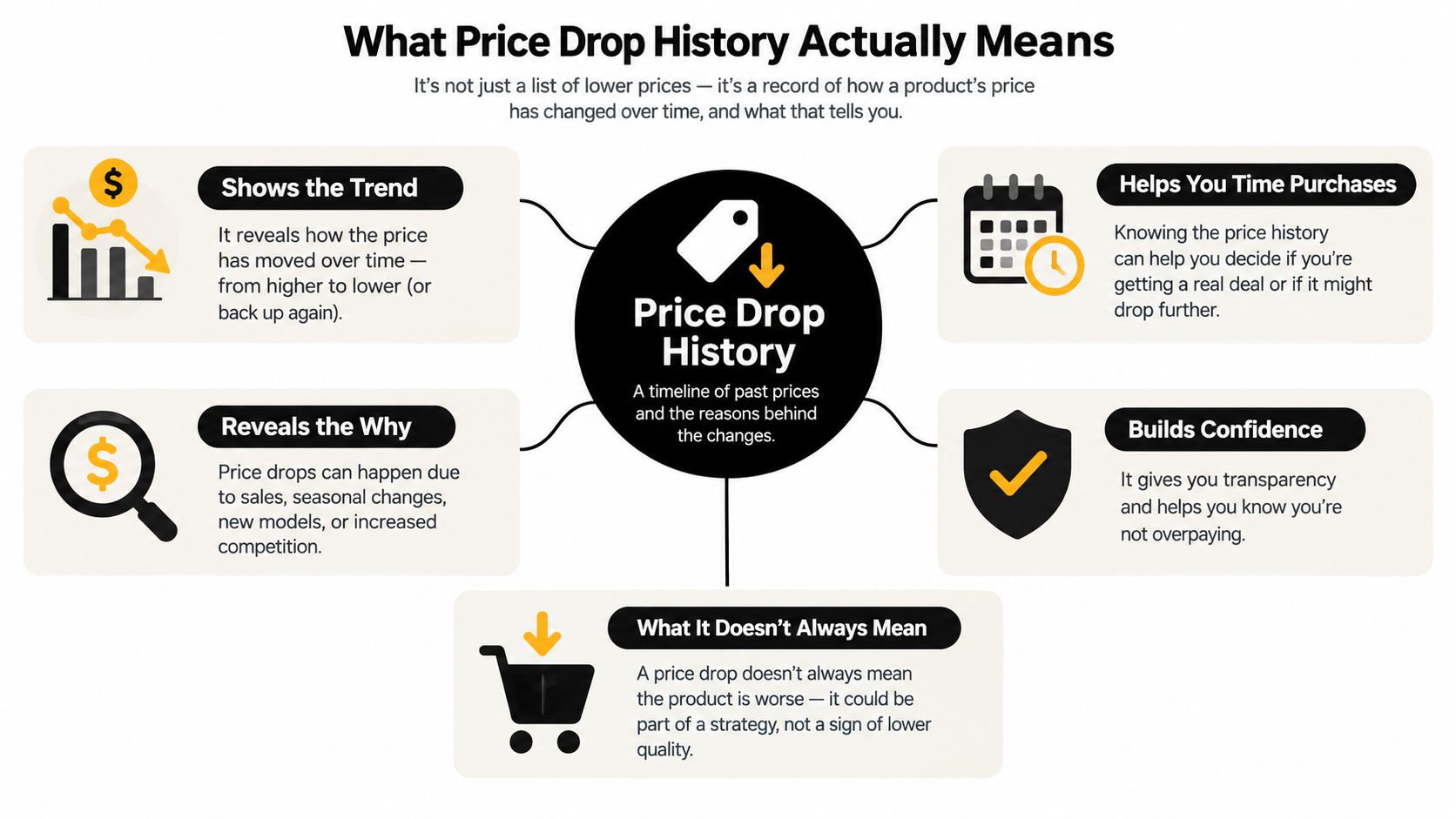
Price drop history has two layers. The first is the observable record, a timeline showing how a product's listed price changed across sellers, dates, and promotions. The second is the policy layer, which determines whether one of those changes can affect a completed purchase.
Most guides focus on the first layer because it's easy to visualize. A line moves downward, a sale appears, and the shopper decides whether the current price looks attractive. That data signal helps with purchase timing, but it doesn't answer the claim signal: whether a retailer will recognize the lower offer for your order.
The same product can have different histories depending on the channel. A listing sold directly by a retailer isn't equivalent to an offer from an independent marketplace seller. A standard product price isn't necessarily comparable with a coupon-adjusted offer, a bundle, or an offer restricted to members. A useful record therefore needs more than a product name.
Separate the data signal from the claim signal
Think of the history as an investigation record:
- Observed price: What the listing costs now or cost previously.
- Channel identity: Which retailer, marketplace, and seller offered it.
- Product match: Whether the model, size, color, and quantity are identical.
- Offer conditions: Whether the price required a coupon, membership, bundle, or special event.
- Timing: When the lower offer became active and whether the retailer's window remains open.
- Proof: A receipt, order record, or verifiable page showing the relevant details.
Retailers may keep extensive internal transaction and pricing records, but public adjustment rules are usually narrower. The existence of a historical low doesn't create a universal refund right. It gives you a fact to test against the policy governing your order.
Why the policy layer matters more after checkout
Before buying, a historical chart helps you judge whether to wait. After buying, the chart has limited value unless it connects to eligibility. A lower price that appeared briefly, belonged to another seller, or required an excluded promotion may be interesting shopping information but not an actionable refund opportunity.
That's why the strongest approach combines monitoring with verification. The system should preserve the event, identify the relevant rule, and classify the outcome as likely actionable, expired, or excluded. The lower price is only useful when it leads to a decision you can act on.
How Major Retailers Handle Post-Purchase Adjustments
U.S. retailer policies don't form one consistent system. Consumer Checkbook's comparison of price-matching policies describes a fragmented market in which Amazon and Walmart generally don't provide post-purchase price adjustments. Target ended competitor price matching in July 2025 and retained a 14-day adjustment window for lower prices within Target's own ecosystem.
That difference changes how you should use price drop history. At Amazon or Walmart, a lower price may help you decide whether to return and repurchase where the applicable return rules allow it, but you shouldn't assume customer service must refund the difference. At Target, the relevant question is whether the lower offer falls within the retained window and satisfies Target's conditions.
Retailer comparison
| Retailer | Practical starting expectation |
|---|---|
| Amazon | Generally no post-purchase price adjustment. Check the current order and applicable return terms rather than assuming a price alert creates a claim. |
| Walmart | Generally no post-purchase price adjustment. Verify the order details and the current policy before contacting support. |
| Target | Competitor price matching ended in July 2025. A lower price within Target's own ecosystem may qualify during the retained 14-day window, subject to exclusions and verification. |
A product match also means more than a similar photograph. The item generally needs to be identical in model, size, color, and quantity. If your order is for a two-pack and the lower offer is for one unit, the displayed unit price doesn't establish a matching offer. The same issue appears when a retailer changes a product configuration without changing the product title.
Common exclusions that defeat otherwise convincing claims
Clearance and open-box offers often sit outside standard adjustment rules because they represent a different inventory condition. Third-party marketplace listings can fail because the seller, fulfillment method, or warranty terms differ. Flash-sale prices may be excluded because they're temporary, while coupon, bundle, and members-only offers can carry conditions unavailable to the original purchase.
Check whether the lower price is active and verifiable. A saved image without a visible product identity, seller, and price may not be enough for support to validate the offer. If the retailer's policy uses a time limit, record the purchase date and the moment you discovered the lower price instead of relying on memory.
The practical trade-off is clear. A retailer may advertise broad savings before checkout while offering narrow recovery rights afterward. Price history helps you see the difference between a genuine comparable offer and a misleadingly lower headline number, but the policy decides what happens next.
Turning a Price Drop into a Valid Refund Claim
A strong claim starts with evidence, not a support chat. Before contacting the retailer, assemble the order record and the lower-price proof in one place. You want the representative to verify a clean comparison without asking you to reconstruct the purchase from scattered emails.
Build the evidence file
Keep these details together:
- Original receipt or order confirmation. Capture the order number, purchase date, item title, quantity, and amount paid.
- Seller identity. Record whether the order came from the retailer directly or a marketplace seller.
- Product attributes. Confirm the model, size, color, capacity, and quantity match the lower offer.
- Lower-price proof. Save an active, verifiable product page showing the price, seller, and relevant conditions.
- Timing details. Note when the lower price was visible and compare it with the retailer's adjustment window.
A screenshot can help, but it shouldn't be your only record if the retailer requires a live offer. Don't submit a coupon price as though it were a standard price, and don't omit the seller because the product titles look identical.
Use a decision sequence
Start with the retailer's current policy, not an assumption based on an older blog post. Then work through the claim in this order:
- Confirm the retailer offers the relevant adjustment route. If the policy generally excludes post-purchase adjustments, a standard price alert won't change that.
- Check the deadline. A qualifying offer discovered after the window closes may be unusable.
- Test the item match. Compare every material attribute, not just the product name.
- Remove excluded offers. Check for clearance, open-box, marketplace, flash-sale, coupon, bundle, or members-only conditions.
- Submit concise proof. State what you paid, what the item costs now, where the lower price appears, and why the two offers match.
Retail and ecommerce teams often need to distinguish a legitimate adjustment from a different product or promotion. Resources such as this guide to Shopify refunds can help merchants and shoppers understand how refund workflows are handled on ecommerce platforms, though the retailer's own policy still controls your claim.
For a broader workflow covering refund follow-up, use this refund tracking guide alongside your order records. The important habit is deadline management. Save the evidence when you receive the alert, submit promptly, and keep the retailer's response with the original order.
Why Manual Tracking Leaves Money on the Table
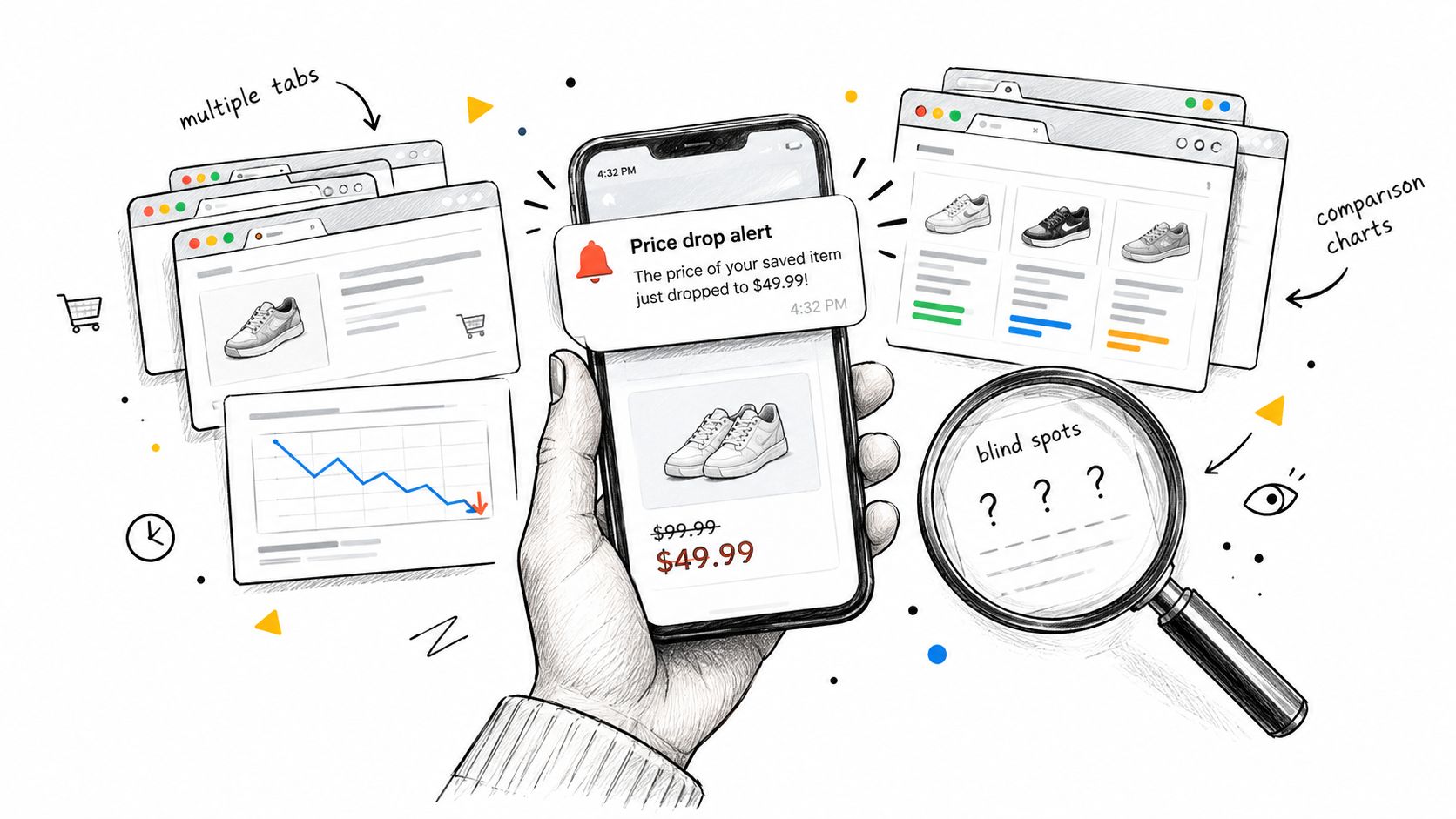
Manual tracking fails through friction rather than ignorance. You may know that a product's price changed, but the notification arrives late, the offer disappears, or you can't remember which marketplace seller handled the order. Then you switch between an email receipt, an order page, a price comparison tab, and a policy page, hoping the details line up.
The process becomes harder when purchases are spread across accounts. One retailer sends an order confirmation by email, another places the transaction on a card statement, and a third uses a marketplace page that changes after fulfillment. A standalone tracker may notice the lower listing without knowing which account, order, or deadline belongs to it.

Detection without context creates noise
A stream of alerts isn't the same as a stream of recoverable claims. If every notification requires manual investigation, shoppers eventually ignore alerts or reserve them for expensive purchases. That leaves smaller opportunities untouched, even when the evidence is easy to verify.
Manual review also encourages the wrong priority. People spend time searching for the lowest historical price, even though a retailer may recognize only a current, qualifying offer. When adjustment rights narrow, historical curiosity matters less than identifying whether a live, matching price can trigger action.
The useful automation isn't the alert that says “lower price.” It's the message that says what changed, whether it appears eligible, and what to do before the window closes.
A continuous workflow can connect order details with the lower offer, preserve the timestamp, and remind you while action remains possible. It can also classify a finding as excluded instead of sending you into an unproductive support exchange. For shoppers managing many purchases, that reduction in switching and remembering is the main advantage.
This is the same practical problem behind broader efforts to find money you're owed or wasting. The value comes from turning scattered financial signals into specific next steps, not from displaying more dashboards.
How Compass+ Automates Price-Drop Recovery
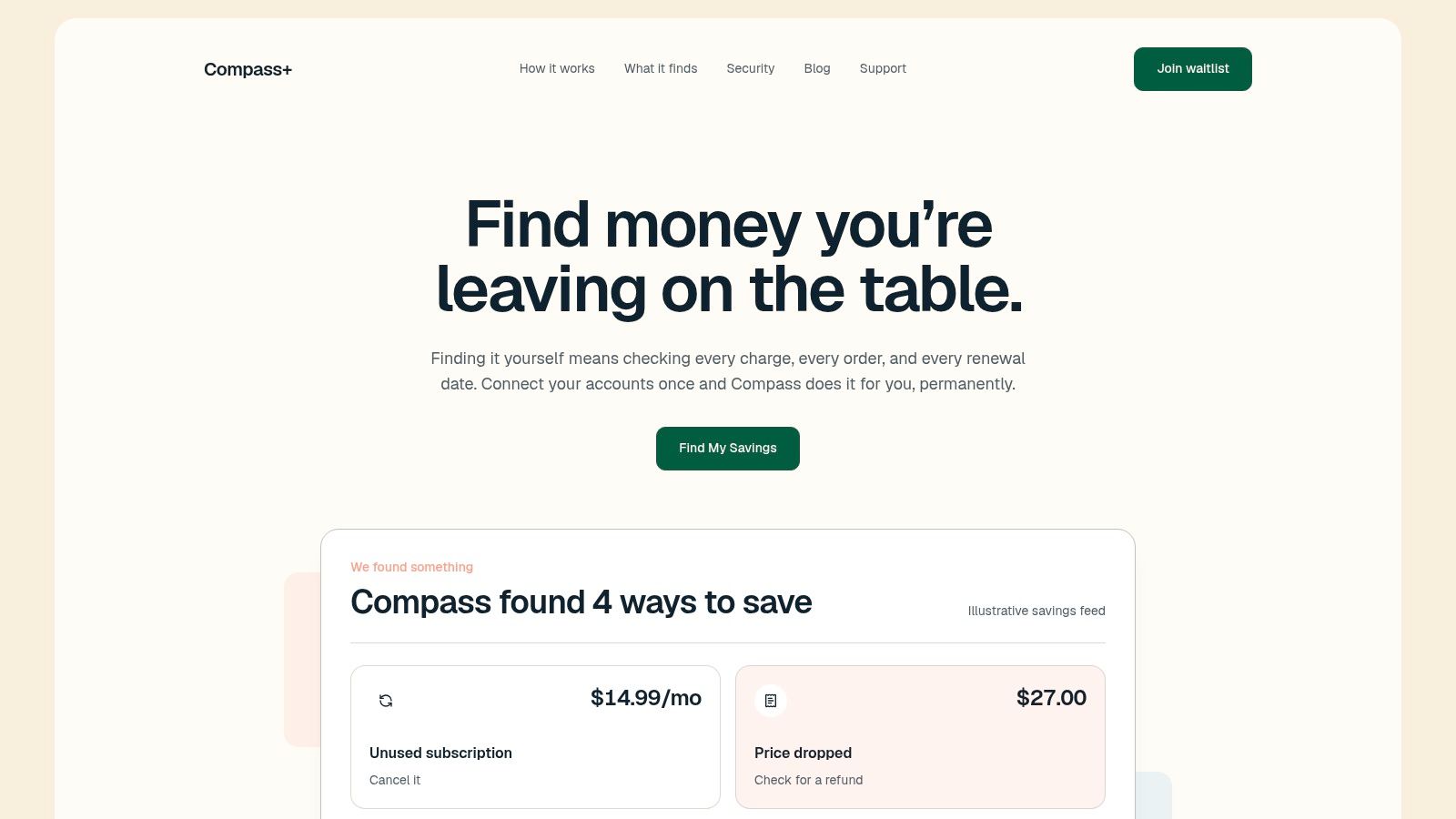
Price monitoring becomes more useful when it starts with purchases you've already made and connects the result to the information needed for a claim. Compass+ is one option built around that workflow. It can monitor connected shopping, email, financial, and calendar information to surface post-purchase price drops and pair a finding with a possible refund or adjustment action.
The practical distinction is context. A lower price can be compared with the amount paid, while the related receipt can help identify the product and seller. Calendar information can help surface return or adjustment deadlines, and email access can locate receipts, refund confirmations, and other money-relevant messages.
What the workflow should produce
A useful finding shouldn't stop at “the price dropped.” It should give you enough context to decide whether to act:
- The purchase: Which order or transaction appears connected to the lower price.
- The opportunity: What changed after checkout and why it may matter.
- The next step: Whether to contact the retailer, verify a policy, or dismiss the finding as excluded.
- The timing: Whether a relevant return or adjustment deadline needs attention.
Compass+ describes its banking connection as read-only, with the current Plaid integration able to view balances and transactions but not move money. Its email access is limited to money-relevant messages such as receipts, renewals, and refund confirmations, and connections can be opted into and revoked individually.
That privacy boundary matters because automation should reduce effort without granting unnecessary control. You still decide which accounts to connect and whether to pursue a claim. The system's role is to find the relationship between the order, the lower price, the policy question, and the deadline.
For a wider scan of recurring charges, duplicate transactions, and other spending issues, the money leak finder provides a related starting point. For price-drop recovery specifically, the important measure isn't how many alerts appear. It's whether each alert gives you enough evidence and direction to make a timely decision.
Price Drop History as a Smart Shopping Strategy
Price drop history works best when you treat it as a claim-validation system, not just a record of past prices. Before buying, use the history to judge whether today's offer looks compelling. After buying, connect any lower price to the exact seller, product attributes, active offer, policy window, and proof required.
Use this quick checklist on recent purchases:
- Match the item: model, size, color, and quantity.
- Identify the seller: retailer direct or marketplace.
- Verify the offer: active, comparable, and not excluded.
- Check timing: purchase date and remaining adjustment window.
- Save proof: receipt, product page, and retailer response.
That habit turns a disappointing price change into a clear decision. You'll spend less time chasing invalid offers and more time acting on opportunities that can actually be recovered.
Compass+ monitors connected shopping, email, calendar, and financial information to surface post-purchase price drops and other specific money-saving actions. Visit Compass+ to see how a policy-aware savings feed can help you track opportunities before deadlines pass.