Best Price Drop Alert App: 7 Tools Compared for 2026
Compare the 7 best price drop alert apps by supported stores, alert methods, and refund or price-adjustment help, so you can pick the right tracker in 2026.
14 min read
You buy a jacket, wear it out, and then spot a price-drop notification. The same jacket is cheaper, but by the time you open the alert, the return window has closed. You've found a lower price without finding a way to recover the difference.
That's the distinction that matters when choosing the best price drop alert app. Before checkout, you need a reliable signal to buy. After checkout, you need to know whether your exact purchase qualifies for an adjustment, what evidence to submit, and when to act. A price chart alone doesn't answer those questions.
The right tool also depends on where you shop and how you'll notice an alert. Email works for a planned purchase; phone notifications may suit a time-sensitive opportunity better. Specialized services matter too, as the different booking considerations behind business class cheaper than coach illustrate.
These tools serve different jobs. Some help you compare offers, some tell you when to buy, and others aim to help you identify money worth recovering.
Table of Contents
- 1. Compass+
- 2. PriceLasso
- 3. ShopSavvy
- 4. Price Drop Catch
- 5. Keepa
- 6. camelcamelcamel
- 7. Capital One Shopping
- How the best price drop alert apps compare on stores, alerts, and refund help
- Pick the App That Matches What You Want Done After the Alert
1. Compass+
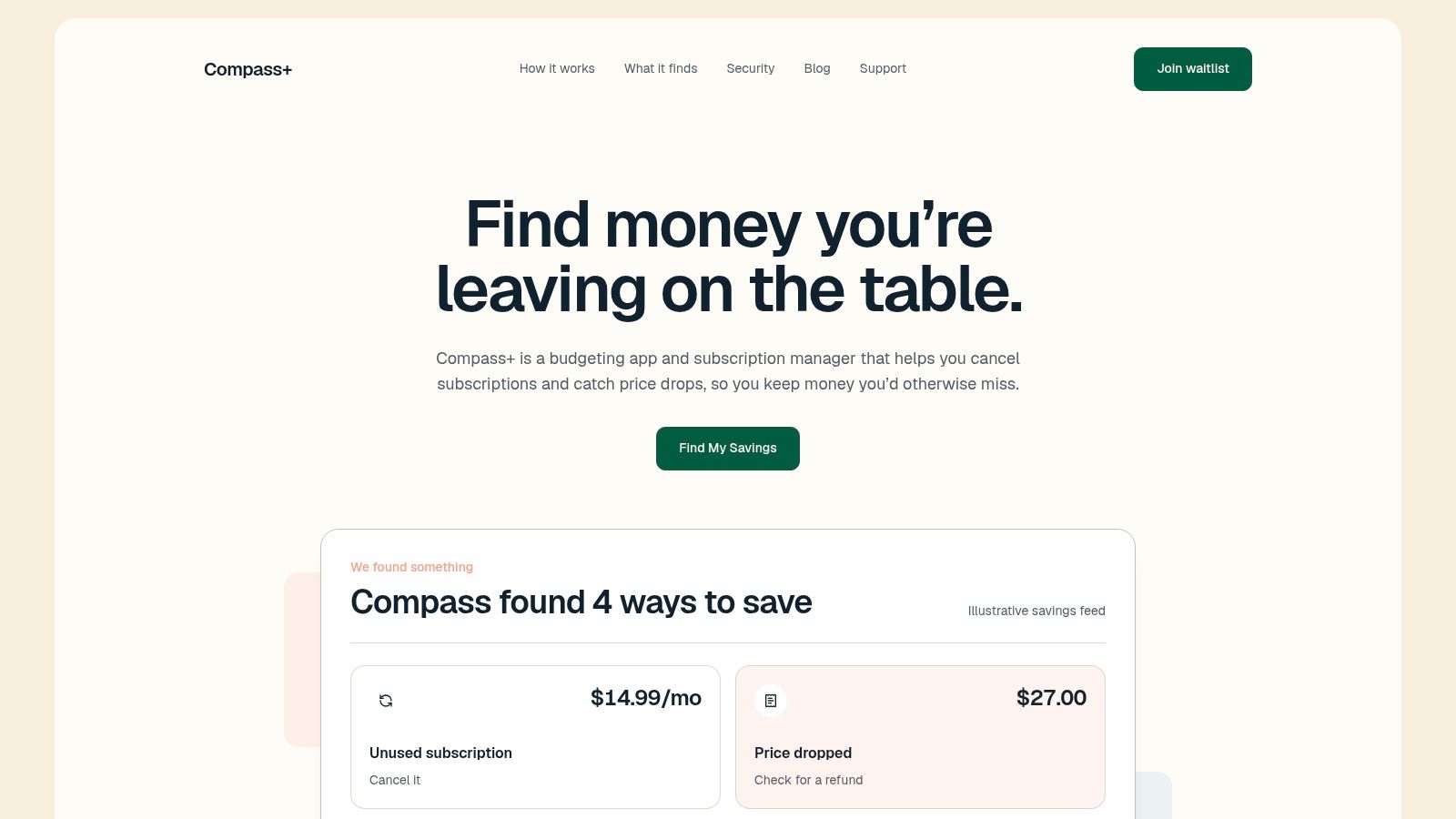
Best for shoppers who want an actionable money review, not just another product watchlist. Compass+ takes a broader approach to finding potential savings across purchases, subscriptions, charges, and renewals.
Our iPhone and Android app reads transaction history from connected bank and card accounts, identifies recurring charges and subscriptions, and shows findings alongside suggested actions. The Home screen explains what we found and what to do about it; the Recurring screen lists repeating charges with their monthly costs. You can also ask questions about your own data in chat.
The broader money-recovery approach includes looking for missed refunds, post-purchase price drops, and delivery credits. However, don't confuse that scope with guaranteed availability of every shopping-monitoring feature. Price-drop, credit, and refund-finding capabilities remain in development, so we wouldn't recommend treating the app as a replacement for an established product-price tracker today.
Where the recovery approach helps
A useful post-purchase finding needs more than a cheaper listing. It needs the receipt, matching product details, an applicable merchant policy, and a clear next step.
A Consumers' Checkbook review of retailer price-matching policies found that adjustment windows commonly lasted 7–30 days, with eligibility varying by retailer and purchase conditions. That's why the important question is whether you can make a valid claim, not merely whether a price fell.
- Actionable context: Our findings include opportunities worth investigating and recommended next steps, rather than a promise that a merchant owes you money.
- Read-only access: Our Plaid connection cannot move money, make payments, or cancel a merchant subscription.
- Clear cost: Monthly access costs $19.99 after a 7-day free trial for new subscribers, with automatic renewal until cancellation.
Our free private audit estimates subscriptions, duplicate charges, missing refunds, fees, renewals, and bill increases worth investigating. Estimated opportunities aren't verified recoveries, and you still need to take the recommended action.
2. PriceLasso
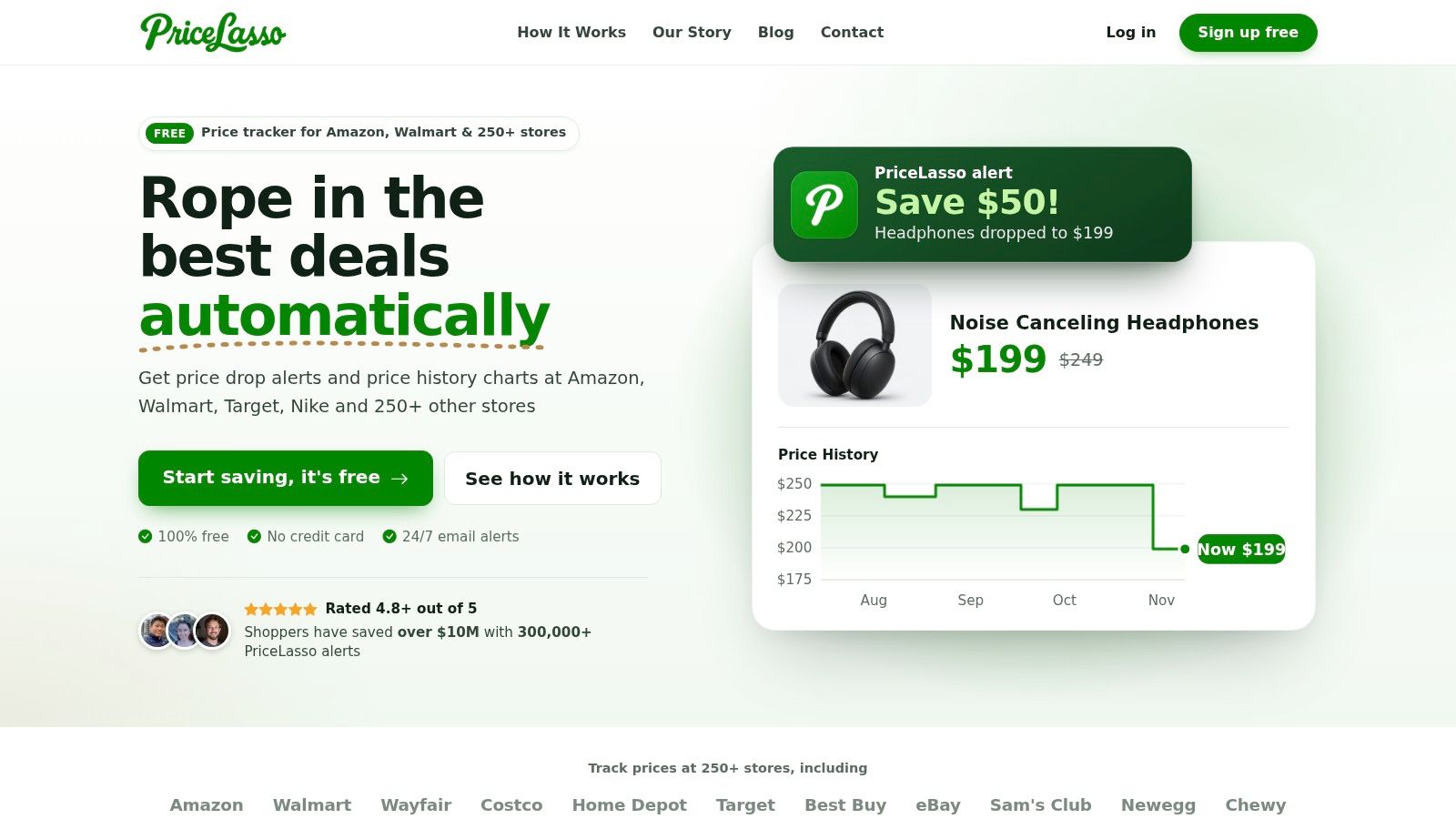
A shopping list spread across Amazon, Walmart, Costco, and Target is a good reason to consider PriceLasso. Its appeal is straightforward: track products across retailers without maintaining separate monitoring routines for each store.
You can add products from store pages, review price history, and choose the price that should trigger an email. Amazon wishlist, cart, and saved-for-later imports reduce the work of rebuilding a list you've already assembled. Browser extensions and an iPhone Safari extension support that browsing-led workflow.
The trade-off is what happens next. PriceLasso notifies you; it doesn't automatically claim a refund or price adjustment. For a planned purchase, opening the email and buying may be enough. For something you already own, you must connect the alert to your receipt and the merchant's policy.
Good for shopping lists, not refund administration
- Useful fit: You want free product tracking across different stores and are comfortable receiving email alerts.
- Setup requirement: Expect an account and browser-extension setup for the main tracking flow.
- Practical limitation: An email sitting unread in a promotions folder won't help with a deadline-sensitive claim.
I'd use PriceLasso for a deliberate purchase list rather than every interesting product encountered while browsing. Set a target that would change your decision, then remove watches once they're no longer useful.
Keep product tracking separate from recurring-service monitoring, too. A streaming price tracker addresses subscription-price changes, which call for a different response than a discount on a physical item.
3. ShopSavvy
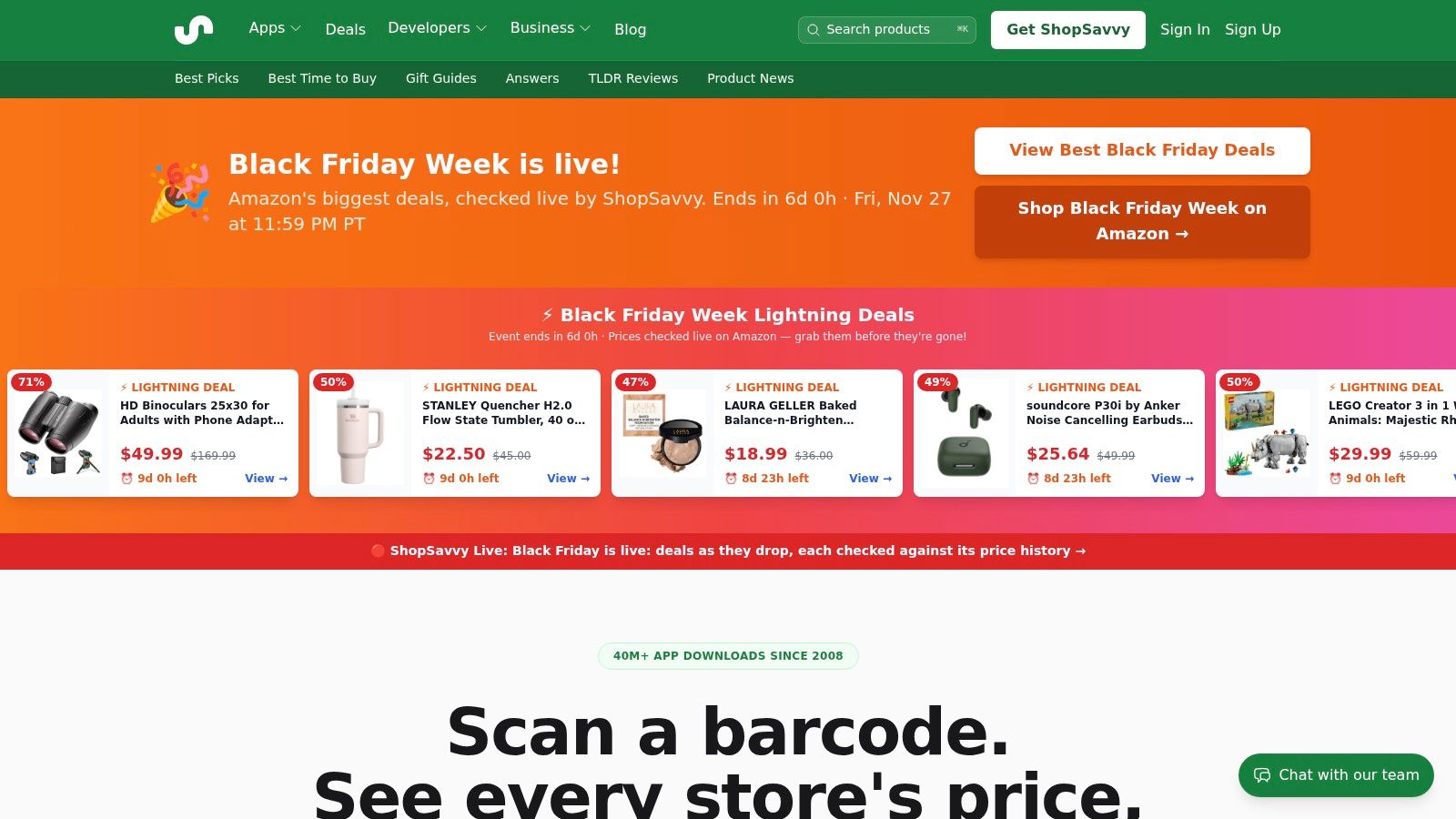
Standing in a store with a product in your hand is a different shopping problem from waiting for an online wishlist alert. ShopSavvy suits that moment because it combines barcode scanning, product search, price comparison, and tracking.
Search by name, barcode, or photo, compare retailer offers, and inspect price history before choosing a target. Mobile apps, browser extensions, and desktop access make it useful across in-store and online browsing. You can get started without an account, although you should confirm the setup needed for the particular alerts you want.
Its main advantage is helping you question the offer in front of you. You aren't limited to asking whether that retailer has reduced its price; you can look for a better offer elsewhere.
A competing store's lower price is a shopping option, not proof that your original retailer owes you an adjustment.
Compare the exact offer
Before acting, match the model, size, condition, seller, shipping charges, and availability. A cheaper refurbished item isn't interchangeable with the new item on your receipt, and a marketplace seller's offer may not qualify under a store's matching rules.
ShopSavvy leaves the recovery work to you. If you've already purchased, you must check eligibility, preserve evidence, and submit any request yourself.
I'd choose it when comparison shopping matters as much as alerts. If all you want is an occasional email about a specific Amazon product, its broader search and discovery features may be more than you need.
4. Price Drop Catch
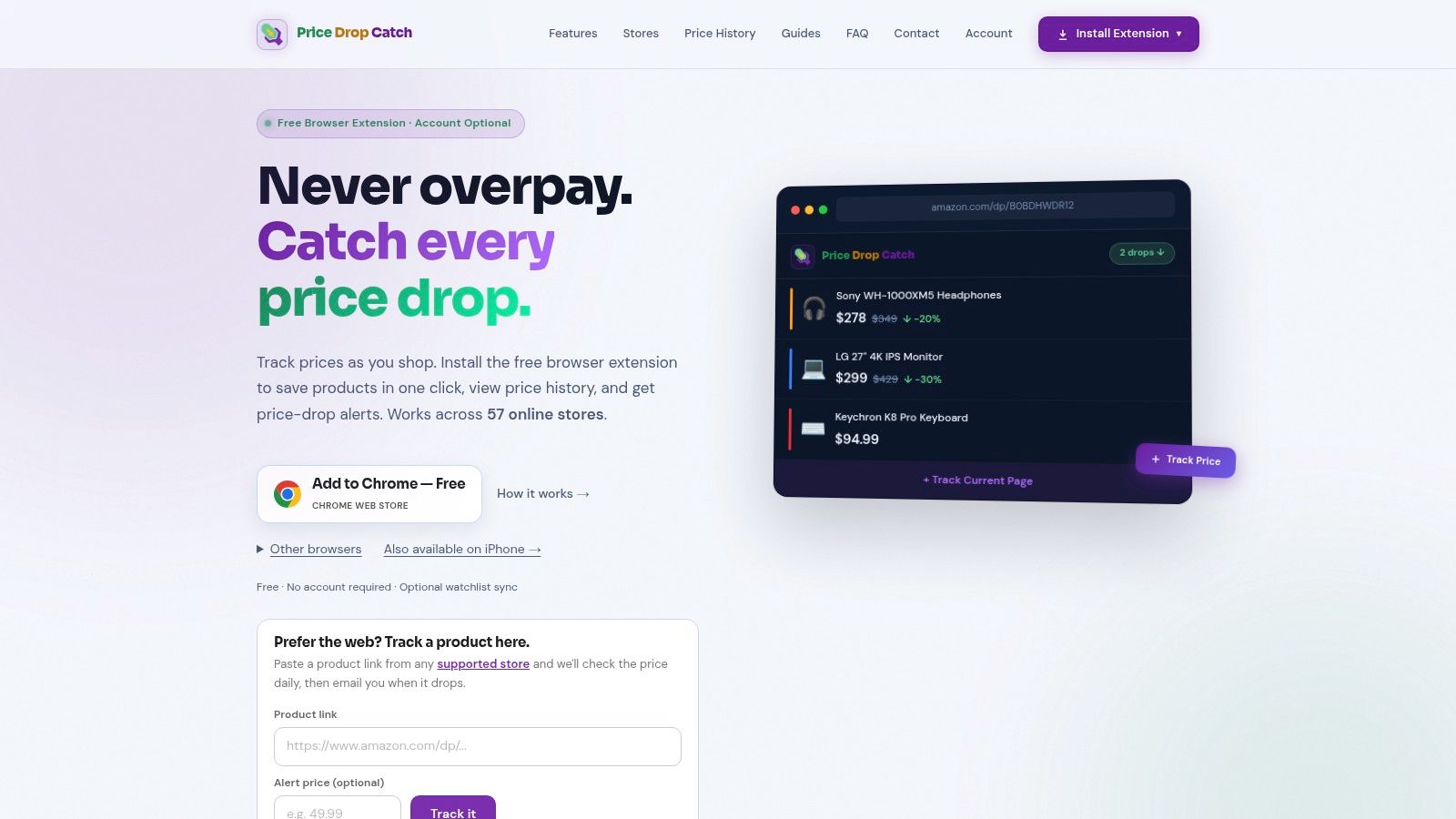
Notification delivery is the reason to shortlist Price Drop Catch. It combines browser-based product tracking with an iPhone app that supports target prices and push notifications.
The free browser extension displays price history and supports tracking without an account. The iPhone app and synchronized watchlist require an account, so the simpler desktop setup and the cross-device setup aren't quite the same experience. Supported browsers include Chrome, Firefox, Edge, and Safari on Mac.
The important operational limit is easy to overlook: browser background checks require the browser to remain running. Don't assume an installed extension keeps checking products when you've closed the browser.
- Choose browser tracking: You mainly shop on a computer and want a lightweight watchlist.
- Choose iPhone alerts: You're more likely to notice a phone notification than a shopping email.
- Check retailer support: Confirm your actual stores are covered before moving an existing watchlist.
An alert still needs a policy check
For post-purchase monitoring, pair the app with a receipt folder and a record of the merchant's deadline. This guide to price-adjustment policies helps distinguish a lower listing from a potentially eligible claim.
When a notification arrives, save the product page and confirm that the offer matches your purchase. Then contact the retailer through its stated adjustment process.
Price Drop Catch is a sensible choice for shoppers who prefer push notifications and clear target-price controls. It isn't a refund agent, and the browser-running requirement makes your own device habits part of the monitoring setup.
5. Keepa
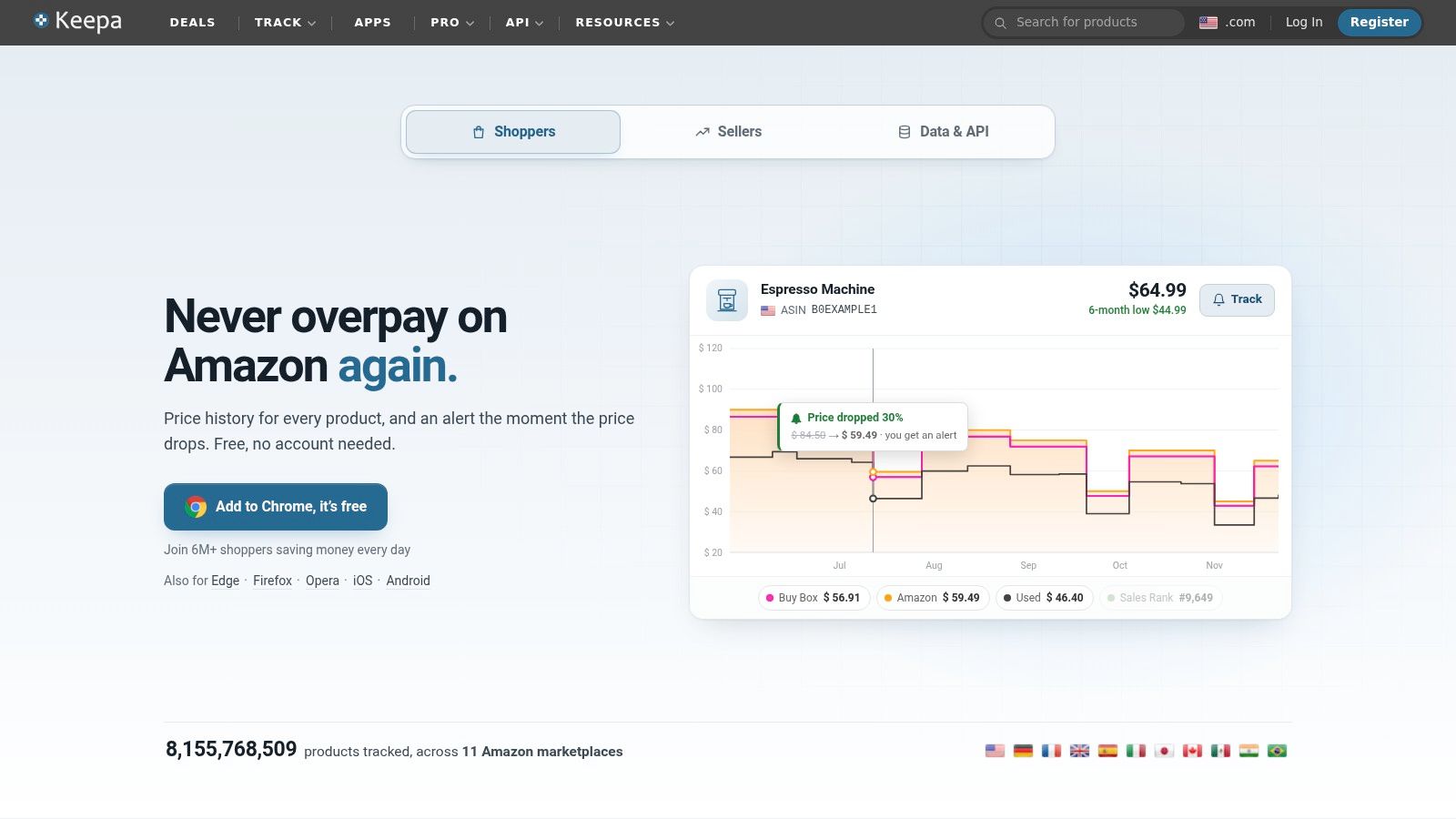
Keepa is the strongest fit here for shoppers who want to inspect an Amazon price before trusting a sale label. Its detailed historical charts provide more context than a notification that says a price has fallen.
Keepa offers Amazon price tracking through its website, mobile app, and browser extension. On supported product pages, the extension places historical pricing close to the offer you're evaluating. Support for international Amazon marketplaces also makes it relevant beyond a single storefront.
The practical task is to compare like with like. Check whether the history and current offer refer to Amazon's own stock, a marketplace seller, or a different condition. A low point on a chart is less useful if you can't buy the equivalent item on equivalent terms.
Better buying evidence, not automatic recovery
Keepa helps answer whether today's offer looks attractive against previous prices. It doesn't establish that an earlier purchase qualifies for money back.
Before treating a lower Amazon listing as recoverable savings, review the distinction explained in this Amazon price-adjustment guide. Tracking a price and qualifying for an adjustment are separate processes.
Practical rule: Use historical prices to set your buying threshold. Use the merchant's purchase policy to decide what you can recover afterward.
Keepa's depth is also its trade-off. Some advanced data and API functions require paid access, and the experience varies by platform. If you only want a simple target-price email, you may not need its richer charts.
I'd choose Keepa for Amazon-heavy shopping where historical context changes the buying decision, not as a broad multi-store or refund-management tool.
6. camelcamelcamel
For an Amazon product you're happy to wait for, camelcamelcamel offers a direct workflow: paste the product link, choose a target price, and wait for an email.
Its price-history charts show past highs, lows, and average pricing. The Camelizer browser extension lets you inspect charts and create watches while browsing, and Amazon wishlist synchronization can help organize products you already want. Registration is optional for some price-watch flows.
Simplicity is the benefit. You don't need coupon testing, rewards offers, or a broad comparison-shopping interface just to decide when to buy a particular item.
- Best use: Planned Amazon purchases where you have a clear maximum price.
- Notification trade-off: Email works only if you check the inbox receiving it.
- Device limitation: The Camelizer isn't available for mobile browsers.
Keep the target tied to a decision
Set a target that would make you purchase, not merely a price slightly below the current listing. Otherwise, you can accumulate notifications without getting closer to a decision.
For a product you've already bought, save the receipt separately and check the relevant policy yourself. camelcamelcamel doesn't automatically recover a post-purchase refund, and a price-history chart isn't a substitute for claim evidence.
Compared with Keepa, I'd favor camelcamelcamel when a straightforward watch and readable history are enough. Compared with a cross-retailer tracker, the compromise is retailer scope: you won't get a unified watchlist spanning your wider shopping habits.
It's a focused choice for patient Amazon shoppers, especially those who prefer email to another app notification.
7. Capital One Shopping
Capital One Shopping makes sense when you want price alerts alongside checkout savings, rather than a dedicated tracking tool alone. It combines product comparisons, coupon-code testing, rewards, and notifications about price drops.
You can build a watchlist and receive alerts relating to products you've viewed or purchased. That connection to shopping activity can be convenient if you don't want to create every watch from scratch. Price-history information adds context when you revisit an offer.
The catch is that these benefits serve different purposes. A coupon reduces an eligible checkout total, a reward depends on its offer rules, and a price-drop notification tells you to investigate. None automatically means your original merchant will refund the difference.
Treat rewards as a separate benefit. Compare the amount you'll actually pay before deciding that an offer is cheaper.
Useful breadth with more conditions to review
- Strong fit: You want a free tool combining alerts, comparisons, and coupon discovery.
- Account requirement: You'll need an account to use the service.
- Offer dependency: Savings and rewards depend on participating retailers, eligibility, and available offers.
For an item already purchased, check whether the lower offer comes from the original store or a competitor. Then verify whether your purchase qualifies for an adjustment before starting a claim.
I'd choose Capital One Shopping for shoppers who want help during browsing and checkout as well as afterward. I wouldn't choose it solely for refund recovery: a purchased-product alert is still a prompt to act, not a merchant's approval of your claim.
How the best price drop alert apps compare on stores, alerts, and refund help
| Item | Supported stores | Alert methods | Refund or price-adjustment help |
|---|---|---|---|
| Compass+ | Connected shopping accounts; specific stores not listed | Background monitoring with findings and suggested next steps | Identifies possible refunds and price drops; offers guidance, not automatic claims |
| PriceLasso | Amazon, Walmart, Costco, Target, and 250+ other stores | Email alerts at a chosen price | Does not automatically claim refunds or price adjustments |
| ShopSavvy | Thousands of retailers | Target-price and back-in-stock alerts | Users handle return or price-adjustment requests themselves |
| Price Drop Catch | 57 named retailers, including Amazon, Walmart, Best Buy, and Home Depot | Browser notifications and iPhone push alerts | No refund or price-adjustment claiming help specified |
| Keepa | Amazon marketplaces internationally | Price-drop alerts via mobile app and browser extension | No refund or price-adjustment help specified |
| camelcamelcamel | Amazon | Email alerts at a chosen price | Does not automatically recover refunds after purchase |
| Capital One Shopping | Many online retailers; participating stores vary | Price-drop notifications for viewed or purchased products | Does not guarantee a merchant refund after a price drop |
Pick the App That Matches What You Want Done After the Alert
The best price drop alert app is the one that supports your next decision. If you haven't purchased yet, a target-price notification and useful history may be all you need. Once you've paid, eligibility, evidence, and deadlines become more important than the attractiveness of the chart.
For Amazon-focused buying, choose Keepa when you want detailed historical context or camelcamelcamel when you prefer a straightforward email watch. For multi-store shopping, PriceLasso helps organize product tracking, while ShopSavvy is better suited to actively searching and comparing alternatives. Price Drop Catch deserves consideration when iPhone push notifications fit your habits, and Capital One Shopping suits shoppers who also want coupons and rewards.
Separate buying alerts from recovery tasks
A pure tracker can tell you that an offer changed. A money-review service should help identify what the change means for your purchase and what action is worth taking. Even then, the merchant decides whether a claim qualifies, and you shouldn't count an estimated opportunity as money recovered.
Timing deserves attention before checkout. A Money Talks News summary of Consumers' Checkbook's retailer review described Target's general adjustment window as 14 days and Best Buy's regular-shopper window as 15 days. Those examples illustrate why you should record the policy applying to your own transaction rather than assume every store handles reductions alike.
Before you buy, make the tracking setup actionable:
- Set meaningful target prices: Choose a price at which you'd buy or investigate an adjustment.
- Confirm store coverage: Check the retailer, marketplace, product variation, and notification method you need.
- Note the merchant's refund window: Save the applicable adjustment and return rules with the receipt.
- Keep claim evidence: Preserve the matching lower offer, purchase confirmation, and any support correspondence.
Start with a small watchlist of purchases that matter. A manageable set of relevant alerts is more useful than a crowded inbox you stop opening.
Our money-saving agent helps surface recurring charges, renewals, and potential savings with concrete next steps, while we're developing broader refund and price-drop capabilities. Visit Compass+ to explore the free private audit and see which expenses or missing refunds are worth investigating.