Amazon Price Drop Items: How to Spot Real Deals in 2026
Find genuine Amazon price drop items using price-history tools, then check refunds, calculate net savings, and claim delivery credits before deals expire.
14 min read
Amazon recorded 116,509 price changes during 2025, the highest total among the retailers examined in a ConsumerAffairs analysis of Amazon price changes. That scale changes how you should shop for Amazon price drop items. You're not hunting for a rare event. You're building a system to catch frequent movement, then deciding whether the money you can recover is worth the shipping, lost promotions, and deadlines involved.
Detecting a lower price is the easy part. Turning it into cash back in your account takes a remedy check, a net savings calculation, and action before a return or pre-order deadline closes.
Table of Contents
- Where to Spot Amazon Price Drops Fast
- How to Set Up Alerts on Items You Want
- Check Whether Amazon Will Refund the Difference
- Work Out the Net Savings Before You Return
- Build a Weekly Price-Drop Routine
Where to Spot Amazon Price Drops Fast
Choose each tool for a specific job. Price history helps you judge a listing before buying; alerts monitor items you have saved; post-purchase checks can surface drops after an order is placed. A lower price is a lead, not a promise of a refund. The value of acting depends on the remedy available and what a return would cost.
Tools for Spotting Amazon Price Drops
| Method | What It Shows | Cost | Best For |
|---|---|---|---|
| Amazon product-page price history | 30-day, 90-day and 365-day price views and whether today is a low | Free | Checking a price before you buy |
| Amazon price-drop notifications | Alerts when saved items change price | Free | Watching a wishlist |
| Keepa browser extension | Price charts and history beyond the product page | Free extension | Comparing longer price trends |
| camelcamelcamel | Email alerts when an item reaches your target price | Free | Targeted alerts on specific items |
| Compass+ | Findings such as post-purchase price drops across linked orders | $19.99 a month after a 7-day free trial for new subscribers | Shoppers who want to review possible savings after purchase |
Most price trackers focus on watching listings. Compass+ takes a broader approach to finding money across subscriptions, refunds, charges, renewals, and other opportunities. Its free private audit estimates subscriptions, duplicate charges, missing refunds, fees, renewals, and bill increases worth investigating. After connecting a bank, users can see what it found for 7 days without paying. The service is read-only: it cannot move money, make payments, or cancel a subscription with a merchant.
Prices on Amazon move in both directions, so a single check tells you almost nothing. A price that looks low today may fall again, while the price you paid last week may already be out of date. Use the chart to judge recent movement, not to assume that a current drop qualifies for a refund or adjustment.
How to Read the Chart Without Fooling Yourself
Watch for the spike trick. If an item stayed at one price, jumped briefly, then returned to its usual level, the chart can make that usual price look like a deal. Compare today's price with the 90-day low, not just the highest point on the graph. A price near the recent low, after a mostly flat stretch, is more persuasive than one that only looks cheap beside a short-lived spike.
A real deal beats the recent low. A fake deal only beats a recent spike.
Check the seller and condition before treating a lower listing as comparable. A different third-party seller may offer a different deal, even when the product photo matches. Likewise, a used or renewed item will often be listed below a new one. Compare like with like before deciding that the price on your order has dropped in a way worth pursuing.
Brand pages can also help confirm that you are tracking the right product line. For example, shoppers comparing solar lantern models can use the LuminAID Amazon badge page to confirm which product is sold through Amazon, then follow that exact listing rather than a lookalike.
A Simple Weekly Habit
For items you have not bought, start with Amazon's Today's Deals page and filter by discount. Add only products you would buy anyway to a watch list, check their price history, and let an alert flag a change. A discount label alone does not tell you whether the price is low for that item.
Review watch-list prices and placed orders on the same day each week. For an order, compare the current listing with the one you bought, then weigh any available remedy against return costs and deadlines. That keeps the routine focused on drops that could leave you with real net savings.
How to Set Up Alerts on Items You Want
You can finish this setup in about ten minutes. The goal isn't more notifications. It's a short list of alerts tied to prices you'd genuinely act on.
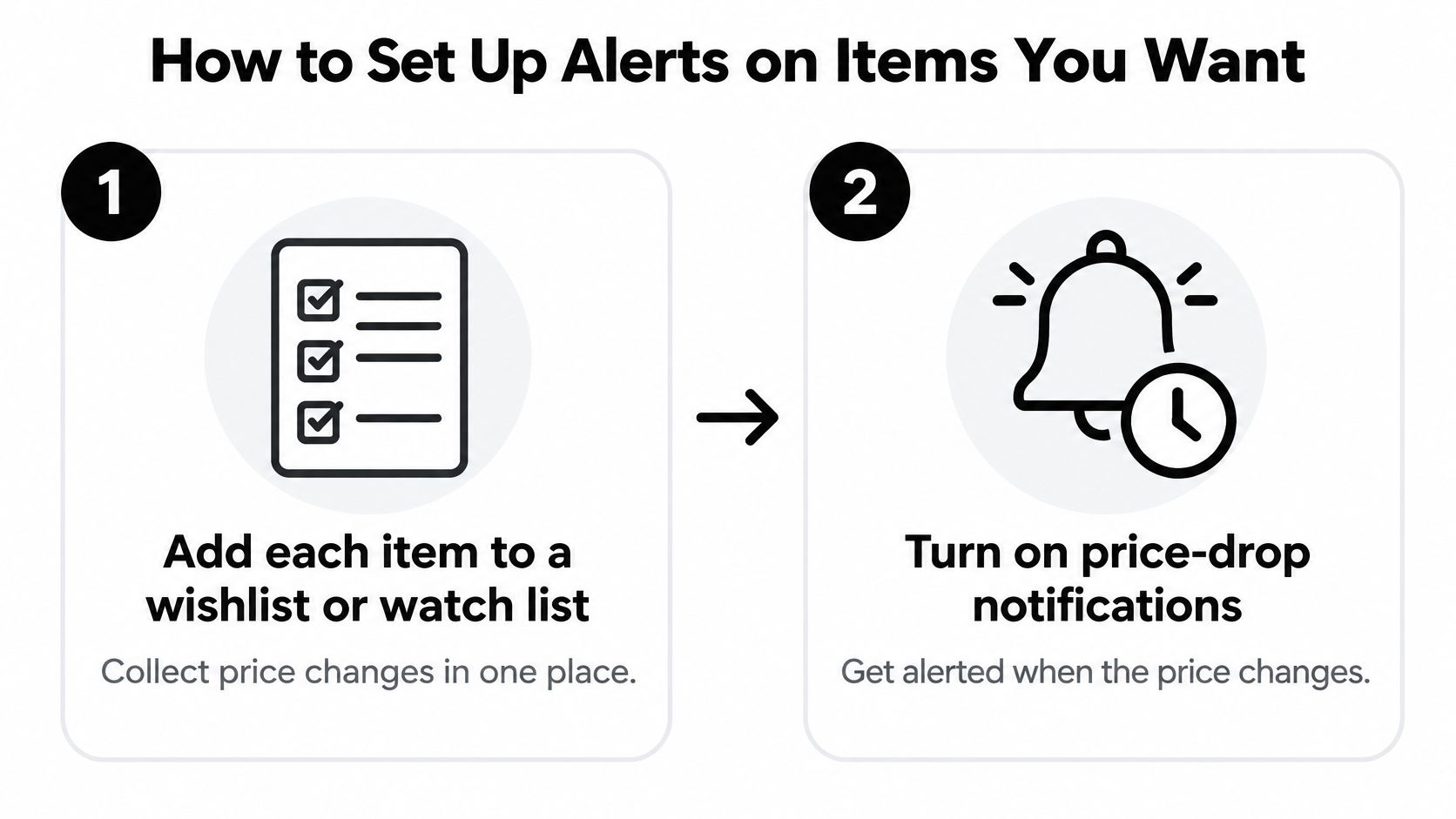
Here's the sequence I recommend.
- Add each item to a wishlist or watch list. Collecting price changes in one place stops you from checking listings one by one. Keep it to items you've already decided to buy at the right price.
- Turn on price-drop notifications in your Amazon app settings. A wishlist you never open won't save you anything. Push alerts put the change in front of you while the lower price still exists.
- Note the current price and the 90-day low, then set your target just below your usual buy price. Don't set it at the lowest price ever recorded. All-time lows often came from clearance or a pricing error, and an alert set there may never trigger.
- Set a matching target alert in camelcamelcamel for the same item. Email plus push notification gives you two chances to see one drop. That's useful for short sales that end before you'd normally open the app.
- For items you've already bought, check the price the day after delivery. A drop inside the return window is the only one you can act on. Checking early leaves you the most options while deadlines are still open.
- Add a calendar reminder for each return deadline at the same time. Set it a few days before the window closes, not on the final day. You'll need time to pack, print a label, and get the parcel dropped off.
The Common Slip
Setting alerts on dozens of items feels thorough. It isn't. You start ignoring the notifications within a week, and the one drop that mattered scrolls past with the rest. Keep the watch list under ten items and delete anything you'd no longer buy.
A useful alert has three parts. The drop is large enough to cover return shipping, the item is one you'd buy anyway, and there's a deadline attached so you know when the opportunity expires. Without all three, you're collecting trivia instead of savings.
Check Whether Amazon Will Refund the Difference
A lower price after checkout can be frustrating, but it does not automatically qualify you for money back. Amazon does not offer a general price-matching or price-protection guarantee for most purchases. A price drop is evidence to use in a support request, not an entitlement to a refund.
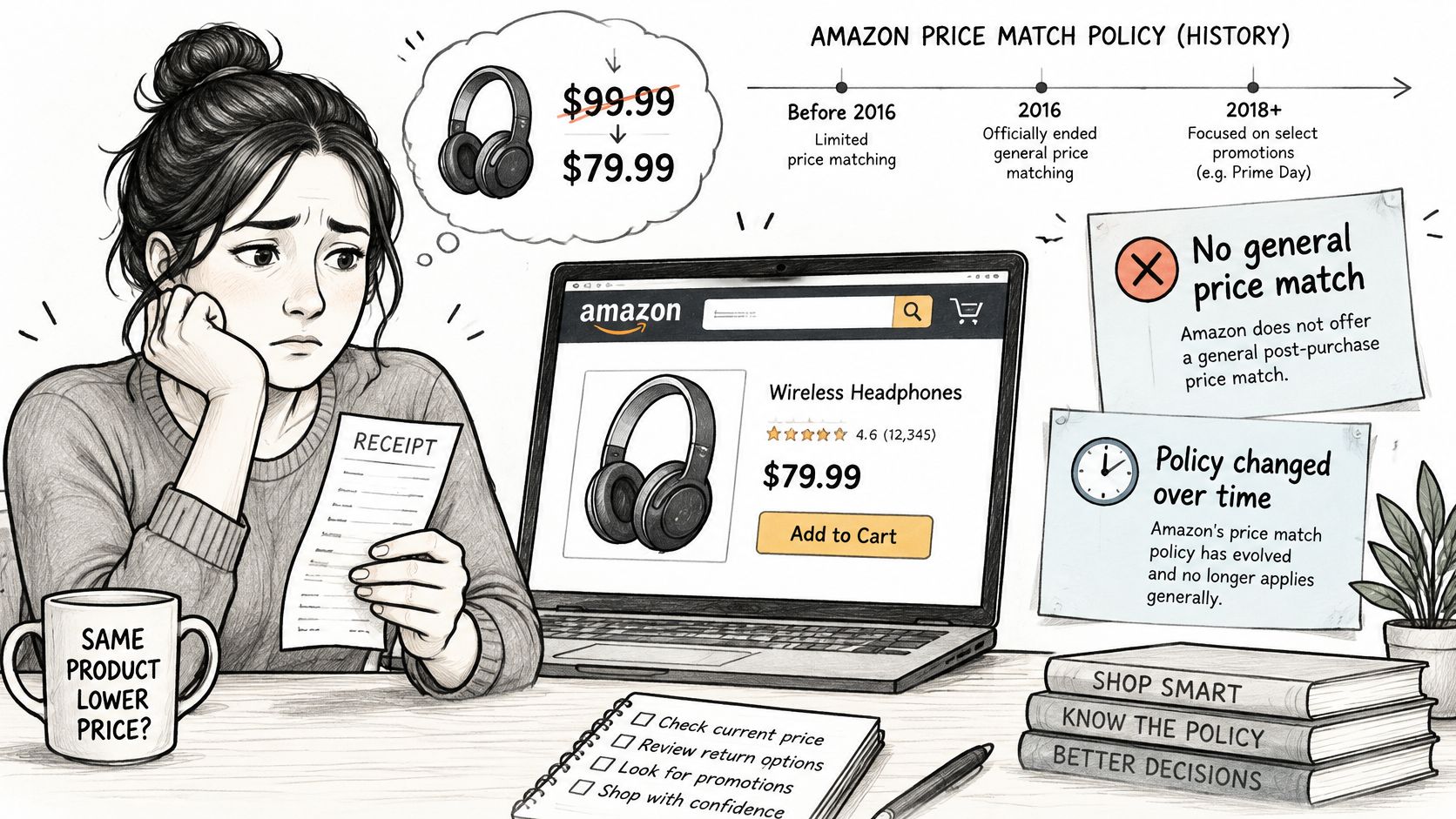
Amazon's price-history tool can show up to 365 days of pricing data. Check Amazon's own guide to whether its deals are worth it to understand how to assess a deal, but don't assume a historical low guarantees an adjustment. The Amazon price adjustment process and its limits explains why the remedy depends on the purchase and whether a return is still available.
Remedy by Purchase Situation
| Situation | Usual Remedy | What to Check |
|---|---|---|
| Eligible pre-order before release | Pre-order Price Guarantee | Confirm the item qualifies and check the price before release |
| Amazon-sold item inside the return window | Return and repurchase at the lower price | Return costs, any restocking charge, and the deadline |
| Third-party seller item | Ask the seller for a courtesy credit | Seller policy; a credit is discretionary |
| Item past the return window | Ask customer service for a courtesy credit | There is no entitlement, and the request may be declined |
The Pre-order Price Guarantee is a formal protection for eligible pre-orders before release. Other options depend on a return or a discretionary request. Returning an item and buying it again may recover some of the price difference, but only if the return is accepted and the costs do not outweigh the savings.
Checks to Run Before You Ask
- Order date: Check whether the order is still within its return window before considering a return and repurchase.
- Seller name: Review the order details. Amazon-sold, Amazon-fulfilled, and seller-fulfilled purchases may have different return paths.
- Return deadline: Record the exact date so you know how long you have to act.
- Same item, same condition: Confirm the lower-priced listing is the same size, color, and condition. A used listing or different variation does not establish a like-for-like price drop.
This short video shows how to check an order before contacting support.
If you contact support, include a screenshot showing the price you paid and the current listing price. Keep the request polite and specific: ask whether a credit is available, rather than claiming the policy requires one. A courtesy credit is never guaranteed, and a return may be the only practical option while the return window remains open.
Practical rule: Include the price evidence and order dates. A clear request lets support assess the specific purchase.
Work Out the Net Savings Before You Return
Here's where most price-drop advice goes wrong. It treats the headline difference as money saved. It isn't, as this guide to stores that refund price drops makes clear in noting that Amazon offers no general post-purchase adjustment and that returning and repurchasing creates shipping, restocking, warranty, and seller costs.
The Net Savings Checklist
- Start with the headline difference. Price paid minus current price. This is your ceiling, not your savings.
- Subtract return shipping and any restocking or repackaging cost. Free returns aren't universal, especially on third-party seller orders.
- Subtract any promotion, coupon, or gift-card discount you'd lose. Repurchasing at a lower sticker price can still cost more if your original discount disappears.
- Check tax differences between the two checkouts. A different seller or shipping origin can change the tax line.
- Check whether a warranty or protection plan transfers. A plan tied to the original order may not follow you to the new one.
- Count your time. Packing, printing a label, and driving to a drop-off point is real cost, even if no invoice shows it.
- Compare the result with a minimum you set in advance. Decide the least net amount worth the effort before emotion gets involved.
Say you paid $180 and the item now lists at $149. The headline shows $31. An $8.50 return label and a lost $10 coupon leave about $12.50 before your time. That's still worth doing for many shoppers, but it's a different decision than $31 suggested.
Now take a $60 third-party seller item now listed at $52. The headline shows $8. A $6.99 return shipping charge and a $4 lost gift-card discount leave about negative $2.99. You'd pay for the privilege of returning it.
That's why items under $25 often net to zero once costs come out. The drops are small and the fixed costs of returning aren't. Before you act on any of the Amazon price drop items you find, compare remedies against the price adjustment policies that actually govern your order, then write the net recoverable amount down next to its deadline. That pair of numbers, not the headline gap, is what you act on.
Build a Weekly Price-Drop Routine
A routine beats motivation. You'll forget to check prices after a busy week, but a fixed fifteen minutes on the same day catches most drops while remedies are still open.
The Five-Step Weekly Loop
Step 1. Review your watch list. Open the tracker you chose and scan your list, which should stay under ten items. Delete anything you no longer want, since stale alerts train you to ignore fresh ones.
Step 2. List recent orders with open deadlines. Go through every Amazon order from the last 60 days that still has a return or pre-order deadline. Orders past their window can't produce a return-based saving, so they drop off the list.
Step 3. Run the two checks on anything that dropped. For each item at or below your target, work out the net recoverable amount and confirm which remedy fits the seller and deadline. Skip the math and you'll chase headline gaps that evaporate at the post office.
Step 4. Act before the deadline. Start the return, message the seller, or request a courtesy credit with the price-history screenshot attached. Do it the same day you spot the drop, because temporary prices and closing windows don't wait for a convenient moment.
Step 5. Log the outcome. Record the remedy used and the net amount recovered for each attempt. After a few months you'll see which remedies pay off on your orders and which sellers never budge, and you can stop wasting effort on dead ends. If a refund is promised but doesn't arrive, our guide on how to track a refund through to your account shows how to follow it up.
What Automation Can and Cannot Do
Steps 2 and 3 are the tedious ones, and they're where we can help. Compass+ connects to your linked accounts, surfaces post-purchase price drops with an estimated net recoverable amount, and pairs each finding with a recommended next step. After connecting a bank, you can see what Compass+ found for 7 days without paying, so you can judge the findings before subscribing.
Be clear about the limit. Compass+ is read-only and cannot move money, make payments, open or close accounts, or cancel a subscription with a merchant. It can't file a merchant refund for you either. Steps 4 and 5 stay with you, which is why the deadline reminders and the log still matter even with automated detection.
Automation finds the drop and sizes it. You still make the call and meet the deadline.
One decision gets you started. Set up one tracker today, put your current return and pre-order deadlines in your calendar this week, and let next week's review be the first of a habit that runs itself.
Ready to stop refreshing product pages and guessing at refund deadlines? Compass+ monitors your linked Amazon orders for post-purchase price drops, estimates the net amount you could recover, and tells you the next step before the window closes. Connect an account today and see what it finds in your recent orders.