How to Verify a Refund Confirmation Email Is Real
Learn what a refund confirmation email must include, how to verify it is genuine, and what to do when the refund never appears in your account.
15 min read
The most common advice after a refund email arrives is to wait a few business days and assume the money is on its way. That advice skips the only question that matters. A refund confirmation email can show that a merchant started a credit. It cannot show that the credit reached your card, bank, or wallet.
Returns are ordinary. The National Retail Federation estimated that 19.3% of online sales were returned in 2025. At that volume, a polite "you're refunded" note is easy to trust and easy to misread. Treat the message as one step in a paper trail, then check what it actually proves before you stop watching the original payment method.
Table of Contents
- What a Refund Confirmation Email Actually Proves
- Key Fields Every Real Confirmation Should Include
- How to Verify a Refund Email Before You Act
- Sample Refund Confirmation Email Wording
- What to Do When the Refund Never Arrives
- How Compass+ Keeps Track of a Promised Refund
What a Refund Confirmation Email Actually Proves
A refund confirmation email is an operational milestone, not a bank balance. It usually means the merchant approved the return or cancellation and handed a credit to its payment processor. It does not mean the card network posted the credit, and it does not mean your issuer made the funds available.
Think of a shipping label. The label proves a parcel left the warehouse. It does not prove the parcel reached your door. The same gap sits between "refund issued" and money you can spend.
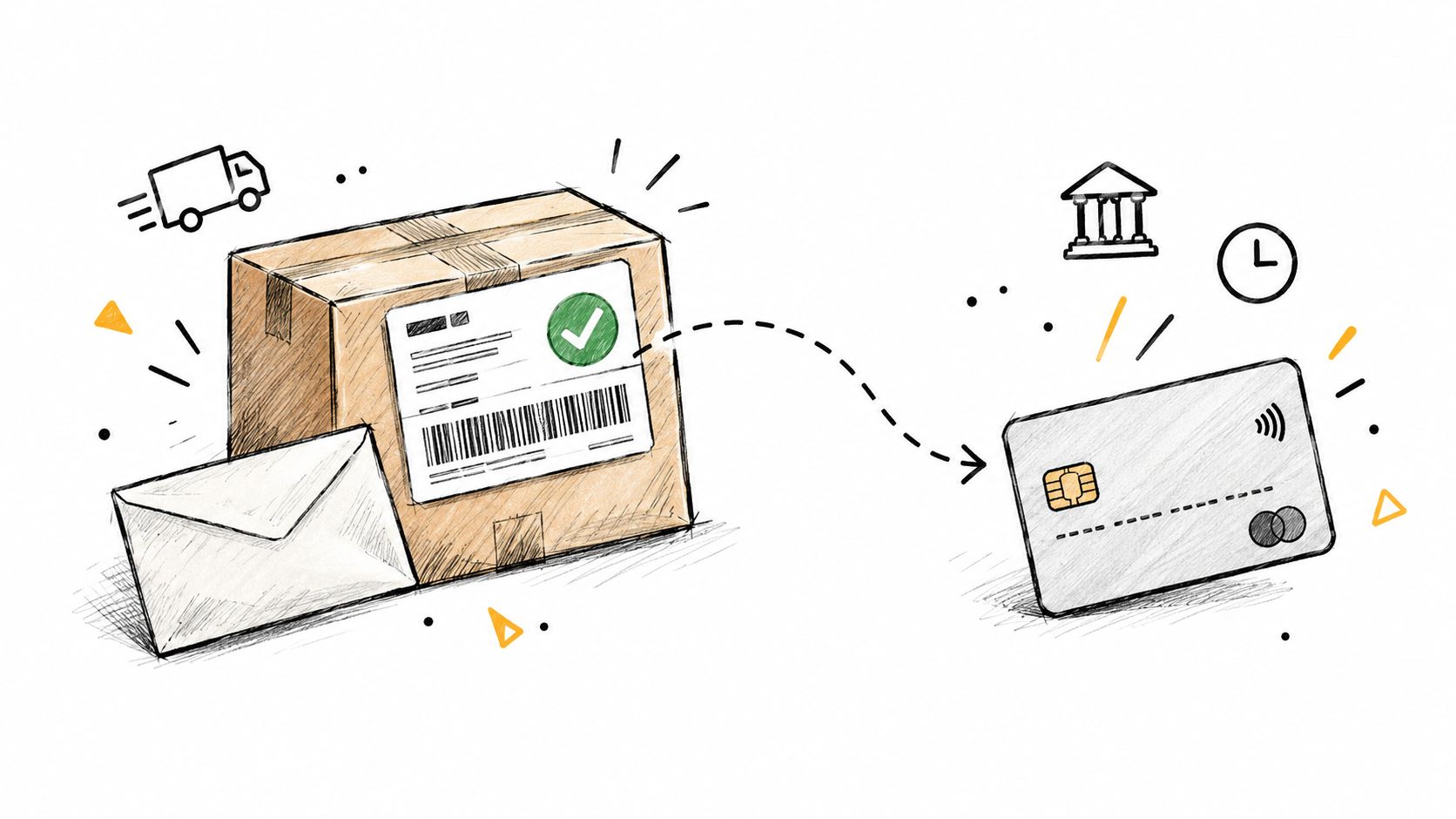
People mix the stages up because many messages say "refunded" at the second step, while the customer is still waiting at the third or fourth. A price-drop credit has the same gap, so a price adjustment policy still needs the confirmation kept next to the statement.
| Stage | What it means | Who controls it | What the email can say |
|---|---|---|---|
| Refund approved | Merchant accepts the return or cancellation | Merchant | Refund amount and order ID |
| Refund initiated | Merchant sends the credit to its payment processor | Merchant and processor | Initiation date and amount |
| Refund posted | Card network or bank records the credit | Card network and card issuer | Expected posting window, not a fixed date |
| Funds available | Credit appears on the statement or account balance | Your bank or card issuer | Rarely stated in the email |
Why "processed" can still be wrong
A confirmation can also be wrong. A 2026 BBB complaint records a merchant acknowledging that an email saying a refund had been processed was sent in error, while the refund was not reflected until later. "Refund issued" was a status the merchant's system printed, not a verified credit on the customer's account.
Practical rule: If the email says refunded and the statement does not, you are still in the posting stage. Keep watching the original card or account, not a separate deposit you were never promised.
Save the message. It is the durable record you will match later against the order ID, the amount, and the initiation date. Households juggling many purchases lose deadlines when that record gets archived and forgotten.
Key Fields Every Real Confirmation Should Include
A real confirmation is an auditable link between the merchant's decision and the credit you expect. Scan these seven fields before you treat the note as complete.
| Field | What to look for | Red flag |
|---|---|---|
| Order or transaction ID | Matches a purchase in your order history | Missing, or differs from your records |
| Refunded items | Named products or services with quantities | Vague wording such as "your order" |
| Amount and currency | Exact figure that matches the original charge, with partial amounts stated | Round or unexplained amount, no currency |
| Initiation timestamp | Date the merchant started the refund | No date, or a date in the future |
| Payment method | Masked card or account, such as last four digits | Request for a full card number or bank details |
| Posting window | Realistic range that matches the payment method | Promise of same-day money with no range |
| Support reference | Case or refund number to quote in follow-up | Only a link, with no reference to quote |
What each field is for
The order or transaction ID is the join key. Open your purchase history and confirm the same string, character for character. A close-but-different number is how a lookalike message survives a quick glance.
Refunded items show full versus partial. "Your recent order" hides whether one shirt came back or the whole cart did. Named products and quantities let you see what was kept.
Amount and currency catch fees and leftovers. Say the original charge was $120 and the email states a $40 refund. You still have $80 either kept as a restocking fee or not yet credited. An unexplained round number, with no currency, is not a match.
The initiation timestamp starts the clock. Without a date, you cannot tell whether a posting window has expired. A future date is a formatting error or a fake.
The payment method should be masked, often showing only the last four digits of the card you used. That tells you which statement to open. It should never ask you to type a full card number or routing number into a reply.
The posting window is a range, not a promise of cash today. The FTC's Mail, Internet, or Telephone Order Merchandise Rule requires prompt refunds in covered situations and, for certain payment methods, sets deadlines of seven working days or one billing cycle. The email should separate "refund issued" from "refund posted" and say that bank or card processing may take more time.
The support reference is the handle you quote when you write back. A bare link, with nothing you can read aloud to an agent, leaves you starting over.
The five-minute test
You should match every field to your order and to the original statement in under five minutes. If you can't, the email is incomplete. Ask the merchant for a corrected confirmation that names the order, the amount, the start date, and a reference you can cite. Also notice what a genuine note leaves out: passwords, full card numbers, a release fee, or an urgent deadline to "claim" money that is already yours.
How to Verify a Refund Email Before You Act
A refund email marks a step in a process, not proof that money has reached your account. Check the message against records you access independently before clicking, replying, or sharing information.
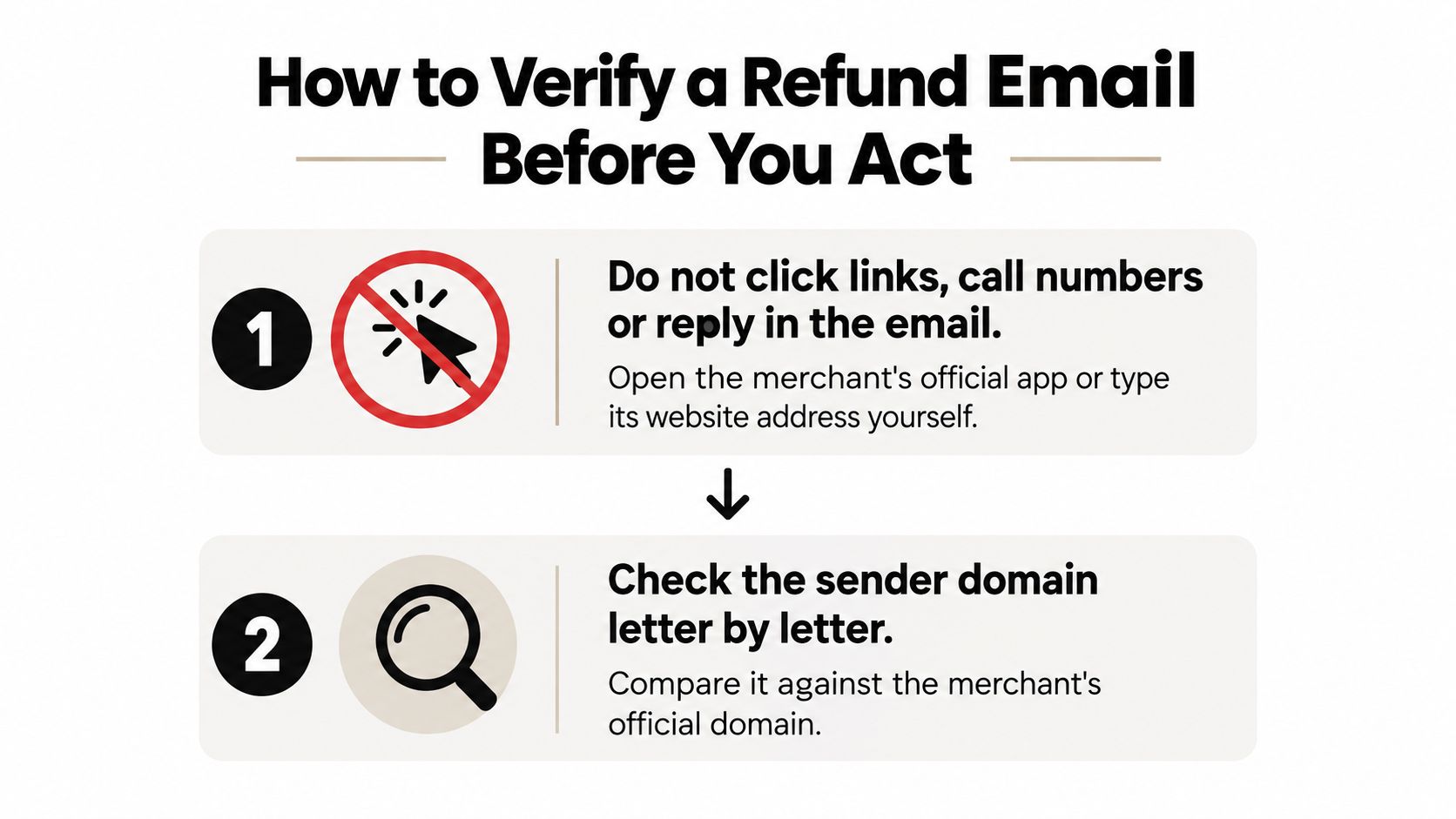
Open your own route to the merchant. Don't click email links, call numbers in the message, or reply to it. Open the official app or type the website address yourself. Then check whether the order and refund appear there. A message button is not needed to confirm an order record.
Inspect the sender domain. Compare it letter by letter with the domain on a receipt you already trust. Extra words, swapped characters, or a stray hyphen can make a lookalike address seem familiar. A copied logo is easy to create, so don't treat branding as proof.
Match the order details. In your account, compare the order ID, items, and amount with the email. If the account shows no return or refund, the message alone is not a reason to expect money. If the amount looks like a duplicate charge instead, compare the statement entry with the receipt and review how to identify a duplicate charge on a bank statement.
Check the original payment method. Look for a pending or posted credit on the same card, debit account, or wallet used for the purchase. A separate request to send a refund to a new account is a reason to stop and verify through the merchant's official channel.
Treat an unexpected refund message as untrusted. If you didn't return an item or cancel an order, don't engage with the message. Delete or report it, and check the order using the official site or app. The FTC warned in July 2025 about fake Amazon refund texts that urged people to click a link even though no refund existed. For broader context on common scam hooks, see money scam insights for older readers.
Review authentication results when available. In Gmail, open the original message headers and look for SPF, DKIM, and DMARC results. Google requires senders to Gmail accounts to use SPF or DKIM, and bulk senders must use SPF, DKIM, and DMARC. A failed check is a warning. A passing check only shows that the domain was allowed to send the message; it does not confirm that the refund is legitimate.
Never pay to receive a refund. Stop if the message asks for a release fee, tax, or upfront recovery cost. Don't provide credentials or a full card number to claim money.
A refund message should not push you to click, disclose information, or move money. Sort it into one of three cases: Expected and verifiable: you started a return, the account confirms it, and the details match. Unexpected and ignored: you didn't request a refund, so you do not engage. Genuine and quiet: the message identifies the order and amount without asking for credentials, a fee, or urgent action.
Sample Refund Confirmation Email Wording
A useful confirmation reads like a record you can find again in the inbox, not like a promotion. Nielsen Norman Group studied 92 transactional emails and found that people expect immediate, task-relevant reassurance, and that a missing message makes them suspect something went wrong. The same standard applies here. Each line should answer a later question without making you log in through the email itself.
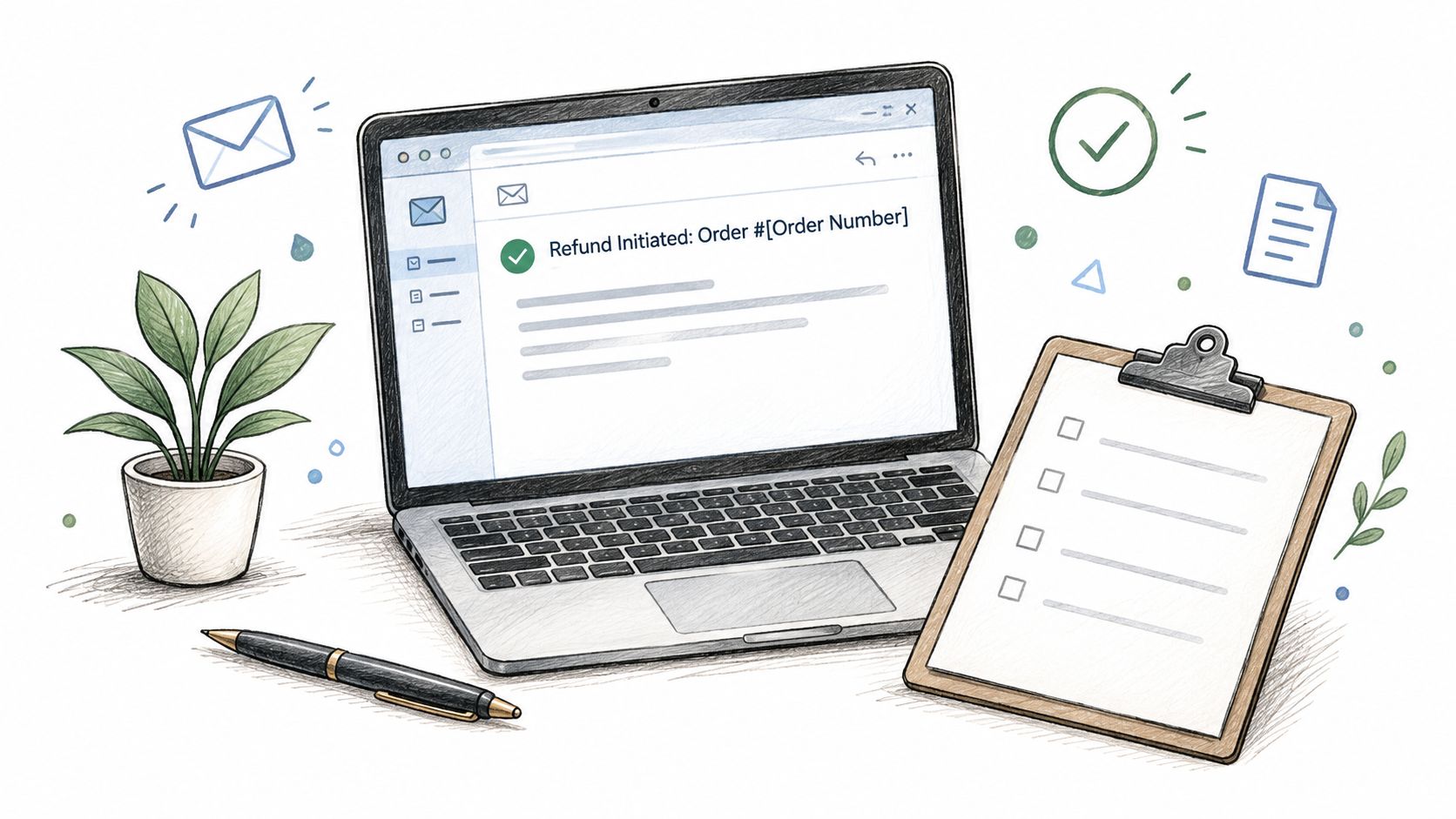
Subject: Refund initiated for order 10482
Hello Jordan,
We initiated a refund of $48.00 USD to the Visa ending in 4242, the original payment method for order 10482.
Refunded: 1 cotton tote, quantity 1.
Initiation date: March 3, 2026.
The credit should post within 5 to 7 business days. Your bank or card issuer may take additional time after we submit it.
To check status, open your account from the merchant's website or app and search order 10482. This email does not include a login link.
Support reference: RF-22914.
Thank you,
Northline Orders
The subject names the order and says the refund was initiated, which is the honest milestone. The first sentence states the exact amount, the currency, and the masked original method, so you don't hunt for a new deposit. The item line shows quantity, which is what separates a full return from a partial one. The date starts the posting clock. The window is a range, plus a plain note that the issuer still has work to do.
The status line tells you to open the account yourself. A login link inside the message is the thing scammers want you to tap. The reference is something you can paste into a follow-up. The sign-off stays flat on purpose.
A partial refund, said plainly
We initiated a partial refund of $40.00 USD for order 10482. The $8.00 restocking fee on the cotton tote was not refunded. Initiation date: March 3, 2026. Support reference: RF-22915.
Skip lines like "Your money is on its way!" when they carry no date and no amount. Skip any line that asks you to "confirm your details" by clicking. If you want a short walk-through of how posted credits look on a statement, this overview is a clear companion.
What to Do When the Refund Never Arrives
The next step depends on how you paid. Match today's date to the initiation date in the email, then use the window for that method.
| Payment method | Expected posting window | Escalate when |
|---|---|---|
| Credit card | Within one billing cycle under the FTC rule | The cycle has closed and no credit is on the statement |
| Debit card or bank transfer | Seven working days in covered cases | Seven working days have passed without a pending or posted credit |
| Store credit or gift card | Immediately, or per merchant policy | The balance is unchanged after the merchant's stated time |
| PayPal or digital wallet | The merchant's stated posting time | The wallet balance and linked card show no credit after the merchant's stated time |
| Buy-now-pay-later plan | The merchant's stated posting time | The plan statement shows no reversal after the merchant's stated time |
Waiting without a date is how refunds go quiet. A 2024 survey of 3,519 consumers in the United States, United Kingdom, France, Germany, and Australia who had returned at least one online purchase found the most common complaint was that the refund took too long, reported by 28%. Another 24% said they had to keep checking whether the refund had gone through, and 53% reported checking refund status daily. In the U.S. portion, 35% expected a confirmation email. A dated window replaces that daily refresh with one check at the end.
Escalation, in order
- Compare the dates. Put today's date next to the initiation date and the window for your payment method. If you are still inside the window, a missing credit is not yet a failed refund.
- Check the original method. Look at posted and pending lines for the exact amount. Pending credits are easy to miss if you only search cleared transactions.
- Check the merchant account. Confirm the refund status and copy the support reference. If the account still says "return in transit," the email jumped ahead of the warehouse.
- Write the merchant. Include the order ID, amount, initiation date, and reference. Ask for written confirmation of the date the credit was submitted. Merchants do send a "processed" note before the processor has the credit.
- Go to the issuer after the window. If the window has closed and no credit appears, contact your card issuer or bank, cite the refund email, and ask whether a dispute is available. Rules differ by card network and by whether the original charge is still inside a dispute period.
- Keep the file. Save every email, screenshot of the order page, and call reference. You will need them if the first agent only sees the original charge.
A running log of those dates is easier than reconstructing them from memory. This guide to tracking a refund is built for that paper trail, from the first confirmation through the day the credit posts.
How Compass+ Keeps Track of a Promised Refund
Hand-checking is the failure mode. You get the email, you feel finished, and the posting window closes while the statement never changes. Monitoring should continue after the message arrives, using the email as evidence and the account as the outcome.
Compass+ watches linked email for receipts and refund confirmations, reads bank transactions through a read-only Plaid connection, and can also see calendar dates and shopping orders. When a promised refund does not show up in a linked account inside the posting window, it flags the gap and shows the estimated amount plus the next step, which is the same escalation path you would follow by hand.
What it cannot do
The limits matter as much as the detection.
- Connections are opt-in and you can revoke each one on its own.
- It cannot move money. The Plaid connection is read-only, and Compass+ does not store banking passwords.
- Email access stays narrow, limited to receipts, renewals, and confirmations rather than your whole inbox.
- Availability is limited today. The standalone experience is on a waitlist. The current embedded assistant serves users in the United States.
That setup does not replace the merchant or your card issuer. It replaces the habit of opening the banking app every morning to see whether $48 came back. You still confirm the refund in the merchant account, match it to the statement, and set a reminder for the last day of the posting window.
Compass+ monitors refund confirmations against your linked accounts and flags a promised credit that never posts, with the amount and a concrete next step. If you are tired of checking statements by hand after every return, see what Compass+ surfaces from the receipts and transactions you already have.