7 Automatic Expense Tracker Tools Compared
Compare 7 automatic expense tracker tools by automation, features, pros, cons, pricing context, and who each option suits best.
13 min read
Automatic tracking isn't the same as automatic saving. Most tools called an automatic expense tracker do one job well: they pull transactions into a dashboard, label merchants, and make spending easier to review. That's useful, but it still leaves the user doing the expensive part of the work, which is spotting what deserves action and doing something before a deadline, renewal, or refund window closes.
That distinction matters more now because recurring spending is large and still changing. Bank of America reported that U.S. consumer subscription spending rose 7.7% year over year in July 2026, and said retail and entertainment made up about 43% of subscription payments in the prior 12 months in its subscription spending analysis. The seven tools below aren't interchangeable. Some are passive dashboards. Some are better at planning. Some add concierge help. One, Compass+, is built around opportunity detection first, not category cleanup first.
Table of Contents
- 1. Compass+
- 2. Monarch Money
- 3. Copilot Money
- 4. Quicken Simplifi
- 5. Rocket Money
- Automatic Expense Trackers: Top 7 Comparison
- 6. Empower Personal Dashboard
1. Compass+
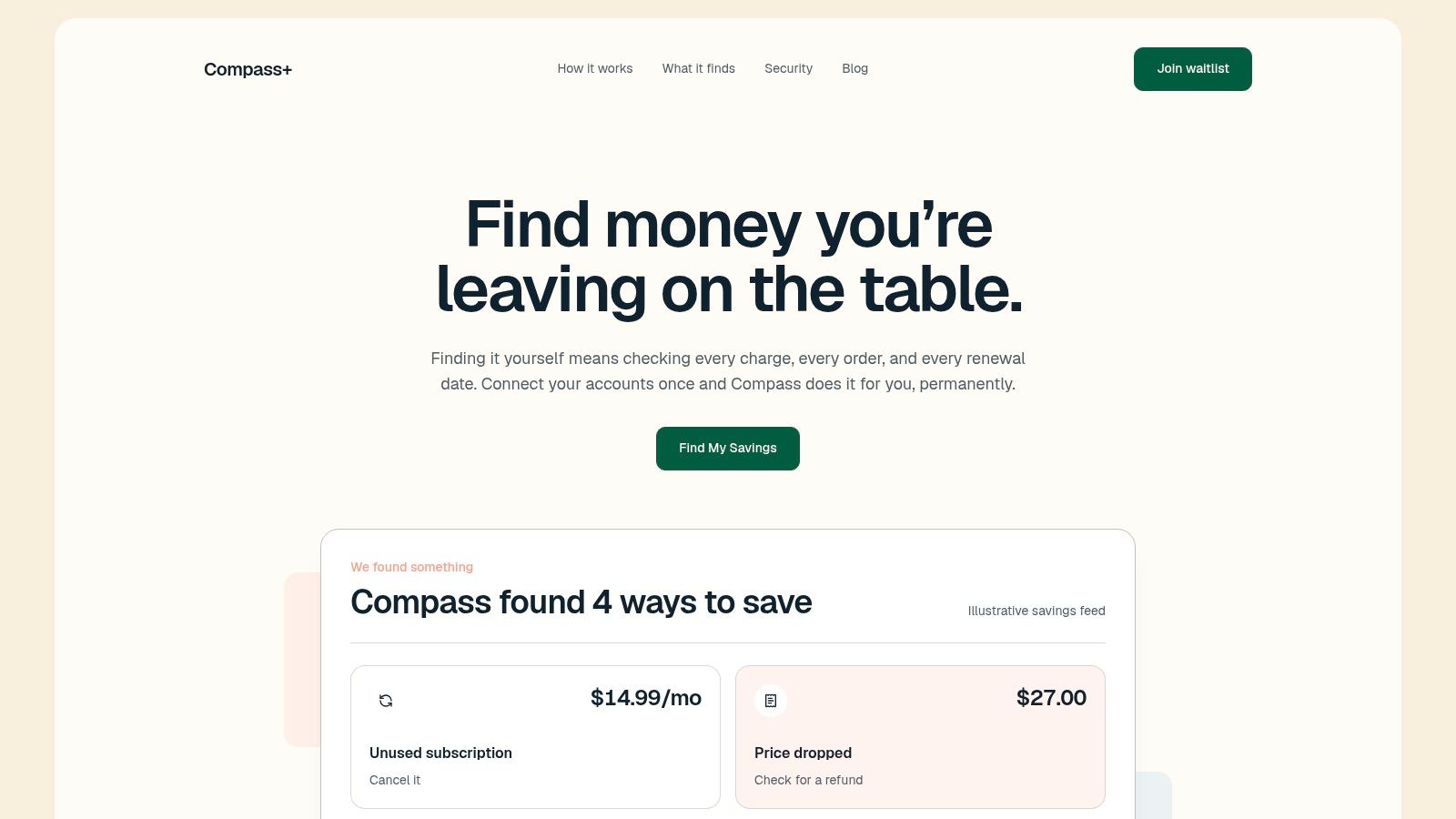
Compass+ approaches the category differently. Instead of asking you to review imported spending and decide what matters, it monitors linked bank, email, calendar, and shopping accounts in the background and surfaces concrete savings or recovery opportunities. That includes refunds owed, post-purchase price drops, late-delivery credits, duplicate charges, bill increases, and low-use subscriptions.
The setup is broader than a bank-only tracker. You connect accounts through read-only Plaid access for transactions, then optionally add email, calendar, and shopping connections. Each connection is opt-in and revocable, and email access is intentionally narrow. It looks for money-relevant messages such as receipts, renewals, and refund confirmations rather than general correspondence.
What it does after detection
Most automatic expense tracker apps stop at visibility. Compass+ turns visibility into a prioritized savings feed. Each finding includes what happened, an estimated dollar amount, and a next step such as checking refund options or canceling a subscription.
That matters because the gap in this category isn't only detection. Consumers often underestimate recurring spending when they rely on memory. Bank of America highlighted earlier research showing people estimated their subscription spending at $86 per month while the itemized total averaged $219 in its consumer subscription research. A tool that only imports charges still leaves you to reconcile that gap manually. Compass+ tries to close it by linking transaction data to delivery status, renewal timing, and refund signals.
Practical rule: If you want a dashboard, many apps qualify. If you want the app to tell you which missed credit, refund, or renewal deserves attention today, the field gets much narrower.
A second difference is scope. Subscription trackers usually stay inside recurring charges. Compass+ extends into recovery workflows that people rarely audit consistently on their own, especially across inboxes and merchant accounts. That's why it feels closer to a money-saving agent than a classic budgeting layer.
Best fit and trade-offs
Compass+ is strongest for people who shop online often, manage multiple renewals, or don't want to inspect statements and inboxes every week. It's also a better fit for households that want event-driven prompts instead of another financial dashboard they have to open deliberately.
- Best for proactive recovery: It looks for money owed back, not only spending already categorized.
- Best for cross-account context: Bank activity becomes more useful when it's paired with receipts, shipping updates, and renewal dates.
- Trade-off on availability: The standalone product is on waitlist, though the assistant is already available inside Gerald in the U.S.
- Trade-off on scope: Detection depends on which accounts you choose to connect, and narrow email parsing can miss unusual merchant formats.
If Rocket Money is your closest benchmark, the sharper distinction is that Compass+ isn't primarily a cancellation concierge. It's an opportunity engine. Readers comparing those two can dig into the difference in this Compass+ vs Rocket Money comparison.
Visit Compass+.
2. Monarch Money
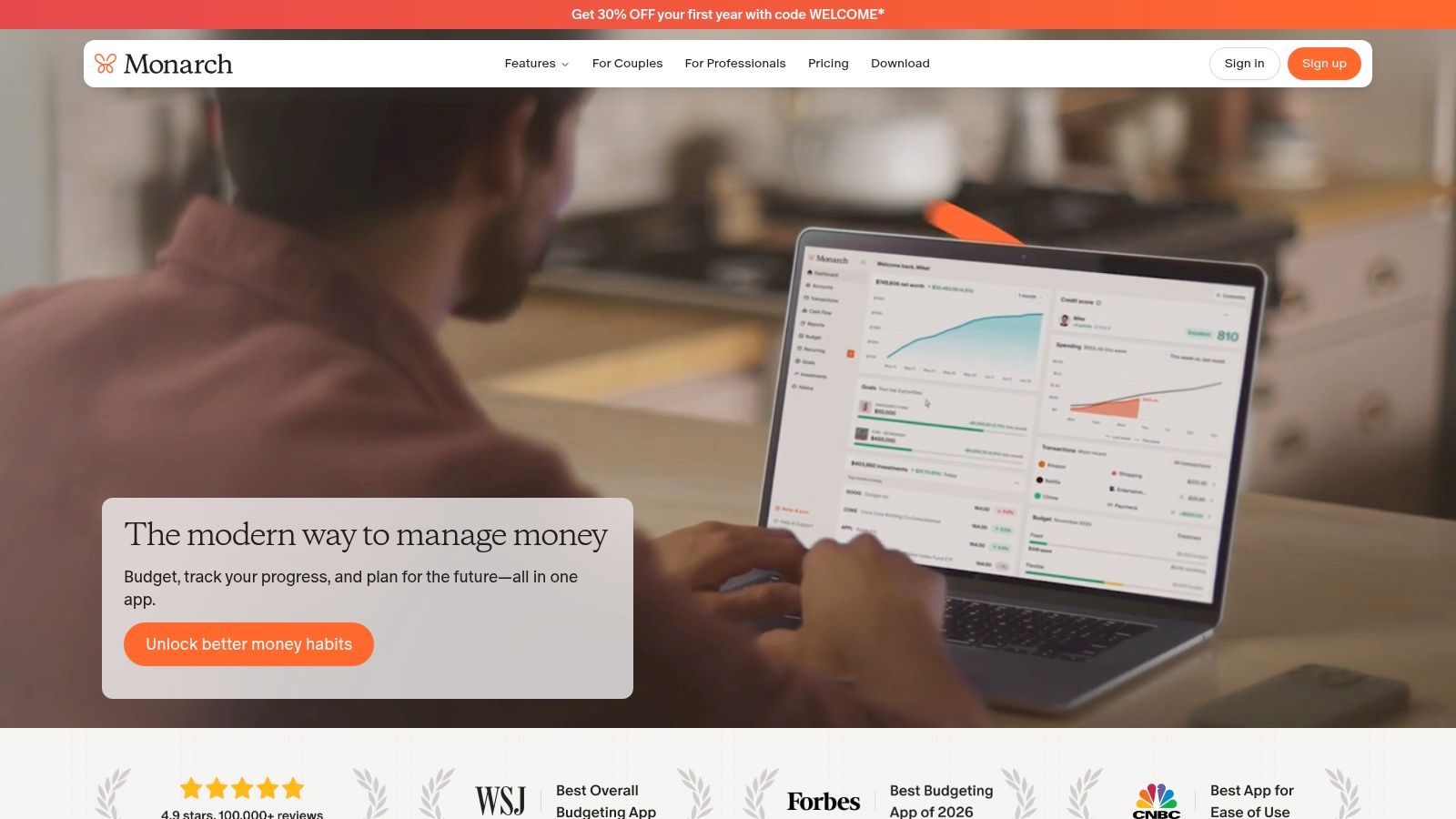
Monarch Money is the cleanest choice here for people who want one app to aggregate accounts, automate categorization, and support longer-range planning. Its strength isn't aggressive savings recovery. It's reliability, breadth, and a polished way to manage the whole financial picture without ads.
That positioning fits the broader market direction. An industry report estimated expense tracking accounted for about 22.1% of the personal finance apps market in 2025 and projected a 10.8% CAGR through 2034 in its personal finance apps market report. Monarch looks like a product built for that shift, where automatic expense tracking becomes a core layer inside a broader planning system.
Where Monarch stands out
Monarch's most important practical feature isn't glamorous. It lets users choose among multiple bank data providers and exposes a public connectivity dashboard. In a category where broken sync is one of the fastest ways to lose trust, that transparency matters.
It also goes beyond expenses. You can track budgets, cash flow, goals, investments, and non-bank assets such as real estate. For users who think in terms of household net worth rather than monthly spending alone, that's a meaningful upgrade over simpler trackers.
A strong automatic expense tracker doesn't only label transactions correctly. It gives you enough connection visibility to know when the data may be incomplete.
Best fit and trade-offs
Monarch works best for people who want broad financial management with less friction than a spreadsheet and more depth than a pure budgeting app. It's especially useful if you've had account-connection issues elsewhere and want more control over the data pipe itself.
- Best for planning depth: Budgeting, goals, investments, and assets sit in one place.
- Best for connection troubleshooting: Multiple providers and a status dashboard reduce guesswork when sync problems happen.
- Trade-off on actionability: Monarch helps you understand spending, but it doesn't specialize in refund recovery or post-purchase savings opportunities.
- Trade-off on tiers: Its pricing structure changed, and some advanced features sit in a higher tier.
If your pain point is hidden waste rather than broad planning, a dedicated money leak finder may reveal issues a portfolio-style dashboard won't push to the surface on its own.
Visit Monarch Money.
3. Copilot Money
Copilot Money is the most ecosystem-specific tool on this list. If you live on iPhone, iPad, and Mac, it feels natural in a way many finance apps don't. If you don't, its appeal drops quickly.
Its automation philosophy is straightforward. Pull transactions in, categorize aggressively, detect recurring patterns, and let users teach the system with editable rules. That makes it a good automatic expense tracker for people who want less manual upkeep but still care about tuning merchant names and categories over time.
Why the rule system matters
Some apps automate, then force you to accept their logic. Copilot gives you more room to refine it. Transaction name rules and recurring detection reduce repetitive corrections, and the app learns from changes you make. That's different from a static dashboard where every odd merchant string becomes another cleanup chore.
This style suits users who review money often and want the app to become more accurate through regular feedback. It doesn't replace judgment. It reduces the repetition around that judgment.
- Best for Apple users: Native apps and interface polish are part of the value.
- Best for low-friction upkeep: Rules and recurring detection help reduce category maintenance.
- Trade-off on platform fit: Windows-first households or mixed-device users may find the experience less compelling.
- Trade-off on outcomes: Copilot is strong on organization, but it's still mainly a spending-management tool, not a recovery engine.
Who should choose it
Choose Copilot if your main problem is review fatigue, not account sprawl or hands-on negotiation. It's a good fit for solo users who want automation with some editorial control and don't mind staying inside Apple's ecosystem.
Visit Copilot Money.
4. Quicken Simplifi
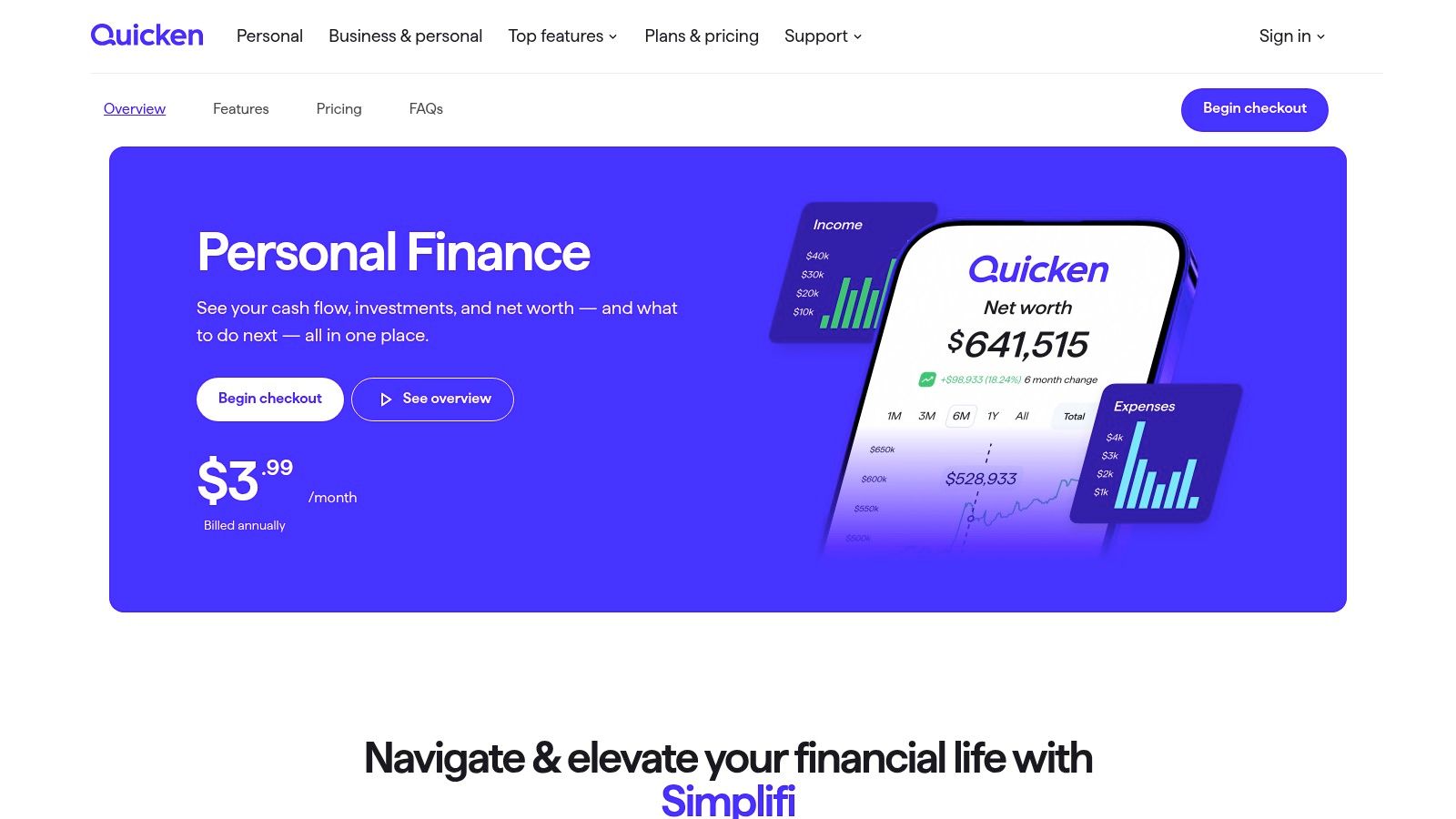
Quicken Simplifi's edge is temporal. Many tools tell you where money went. Simplifi is stronger when you need to know what's about to happen next. Its Spending Plan, watchlists, and projected cash flow make it the most forward-looking option in this lineup.
That changes the role of an automatic expense tracker. Instead of serving mainly as a transaction archive, it becomes a living operating view of the month. Bills, subscriptions, and expected income feed into a picture of upcoming balances, which is useful for anyone trying to avoid timing mistakes rather than only category drift.
Where it feels different
Watchlists are the underrated feature. They let you monitor a category, merchant, or tag without restructuring your whole budget. That's a practical middle ground between rigid envelope systems and passive reporting.
Projected cash flow also suits users who get paid on fixed dates and need confidence about near-term balances. You don't need investment-grade planning for that. You need an app that treats recurring timing as first-class information.
Simplifi is less about finding hidden money and more about preventing avoidable mistakes in the next few weeks.
Best fit and trade-offs
Simplifi is strongest for people who want hands-off imports plus a clearer monthly operating plan. It's especially good for users with many recurring items and a need to monitor what upcoming obligations mean for available cash.
- Best for projected visibility: Future balances and recurring items are central to the experience.
- Best for selective monitoring: Watchlists help you follow merchants or categories without overbuilding a budget.
- Trade-off on pricing clarity: Promotional pricing can differ from renewal pricing.
- Trade-off on modeling depth: Projections emphasize dated and recurring items, so discretionary planning still needs user interpretation.
Visit Quicken Simplifi.
5. Rocket Money
Rocket Money sits between dashboard software and a service business. It doesn't just detect subscriptions and bills. It also offers paid, human-assisted help with cancellation and negotiation. That's a meaningful distinction for users who know they won't follow through on cost-cutting tasks themselves.
The timing is good for that model because the subscription problem has shifted. Forrester reported that in 2025 the average U.S. online adult had more than four monthly subscriptions, half had canceled one in the last year, and one in 10 were canceling more than they were subscribing to in its consumer subscription report. The challenge isn't only finding subscriptions. It's managing churn, cancellation, switching, and price sensitivity.
What Rocket Money does well
Rocket Money is strongest when the desired action is straightforward. Find recurring charges. Flag them. Offer cancellation support. Offer bill negotiation if the user wants outside help.
That makes it more operational than many budgeting apps. You're not only watching categories drift. You're trying to reduce recurring obligations with concierge support available if needed.
- Best for subscription sprawl: Auto-detection and recurring bill visibility are central strengths.
- Best for users who want help acting: Cancellation and negotiation services reduce follow-through burden.
- Trade-off on premium features: Some of the more useful service layers require a paid tier.
- Trade-off on fees: Negotiated savings can trigger a percentage-based fee.
Where it differs from Compass+
Rocket Money is better understood as a recurring-bill optimizer. Compass+ is broader. It aims to catch recoverable value across refunds, price drops, delivery credits, and duplicate charges, not only recurring line items. If your primary pain is subscription clutter, Rocket Money is a natural candidate. If you want to audit all the small ways money slips away, start by learning how to find all your subscriptions, then decide whether subscription cleanup is the whole problem or only the visible part.
Visit Rocket Money.
Automatic Expense Trackers: Top 7 Comparison
| Product | Integration & complexity 🔄 | Resource requirements ⚡ | Expected outcomes ⭐ | Ideal use cases 📊 | Key advantages & tips 💡 |
|---|---|---|---|---|---|
| Compass+ | Moderate, connect Plaid + optional email/calendar/shopping; continuous background monitoring | Bank (Plaid) read‑only, optional email/calendar/shop links; US availability; standalone on waitlist | High, surfaces refunds, price‑drops, late‑delivery credits, duplicate/increased charges with estimated value | Users who want proactive, automated recovery of overlooked refunds and subscription waste | Actionable findings with clear next steps; privacy‑minded scoped access; standalone pricing TBD |
| Monarch Money | Low–Moderate, standard linking, choose among multiple data providers; connectivity dashboard | Bank accounts; subscription tiers (Plus for advanced features) | Good, automated import, categorization, budgeting, goals, investment tracking | Users seeking clean planning, reliable connections and ad‑free experience | Multiple data providers improve connectivity; public status dashboard; explicit data policy |
| Copilot Money | Low, polished native apps with simple setup, optimized for Apple ecosystem | Best on iPhone/iPad/Mac; bank links; app subscription where applicable | Good, AI‑assisted categorization and automation reduces manual upkeep | Apple users who want strong automation with editable rules | Editable rules and recurring detection tune accuracy; less ideal for Windows‑first users |
| Quicken Simplifi | Low, cloud setup with auto‑import, Spending Plan and Watchlists | Bank links; subscription (pricing/promotions vary) | Good, forward‑looking cash‑flow, spending plan and recurring detection | Users wanting hands‑off spending control with projected cash‑flow visibility | Strong month‑to‑month planning; monitor renewal pricing and model limits for discretionary items |
| Rocket Money | Low, automatic subscription detection; optional concierge services add steps | Bank/email links; Premium for cancellation/negotiation services (fee or subscription) | Good, finds recurring charges and can reduce bills via human‑assisted services | Users who want automation plus concierge help to cancel/renegotiate bills | Effective at subscription cleanup; negotiation often incurs a success fee; some features paywalled |
| Empower Personal Dashboard | Low, automatic aggregation of bank and investment accounts; ready dashboard | Bank & investment accounts; core tools free; advisory paid separately | Strong for investment insights; adequate expense aggregation | Users prioritizing investment/retirement planning alongside expense views | Free core aggregation and investment tools; budgeting features are lighter than dedicated apps |
| Tiller | Moderate–High, connect feeds into Google Sheets/Excel; requires template/setup and maintenance | Google Sheets or Excel, daily bank feeds, Tiller subscription | High for custom modeling and reporting; full control over formulas/categories | Power users wanting spreadsheet control and bespoke reports/models | Maximum flexibility and privacy (data in your sheets); requires more setup and ongoing maintenance |